
Quick Overview of the Recycle Bin
The Recycle Bin stores deleted workspaces, projects, topics, and files in one place. You can restore items during the retention period or delete them permanently.
The Recycle Bin stores deleted workspaces, projects, topics, and files in one place. You can restore items during the retention period or delete them permanently.
What You Can View in the Recycle Bin
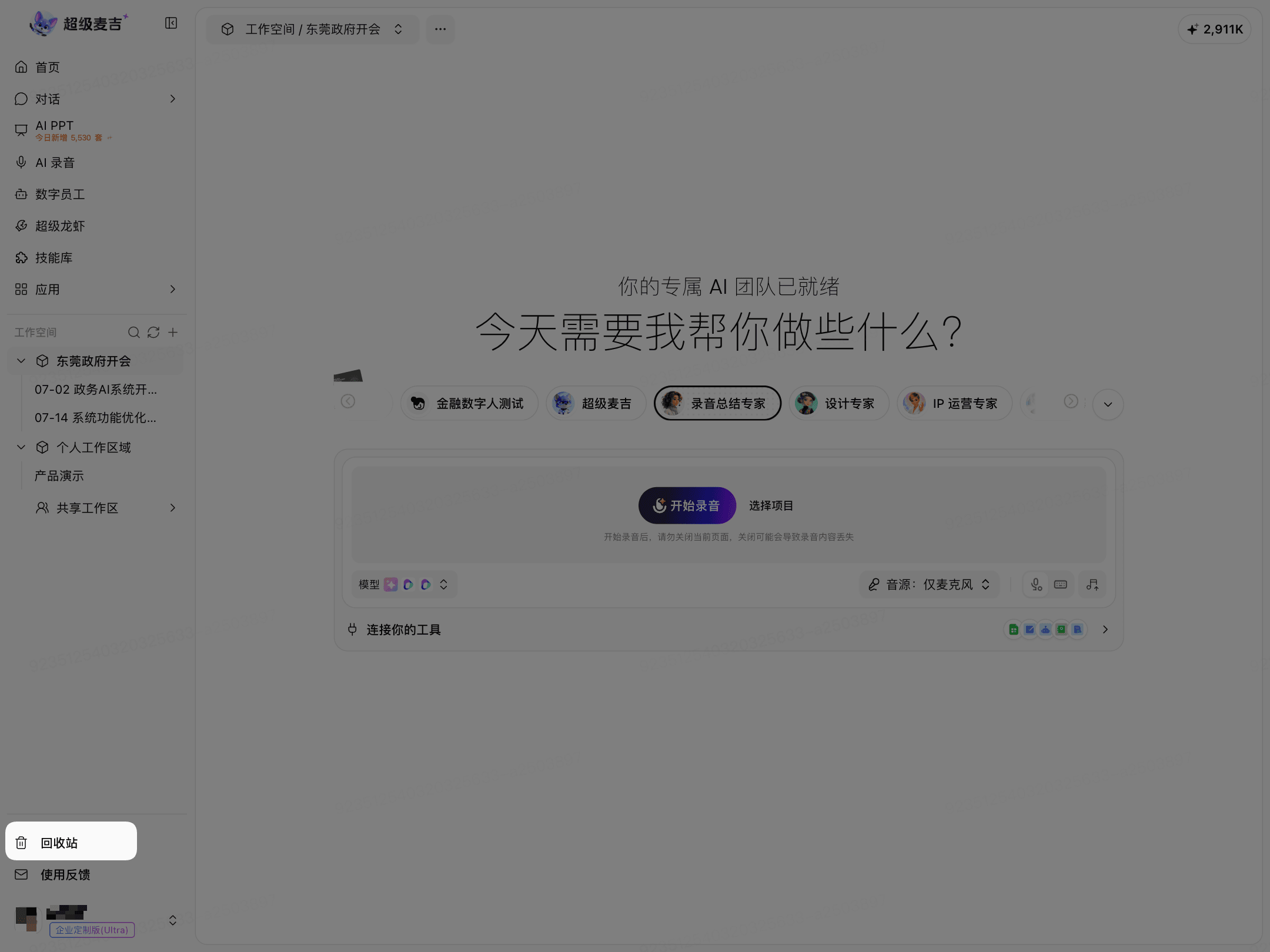
Click Recycle Bin at the bottom of the left navigation.
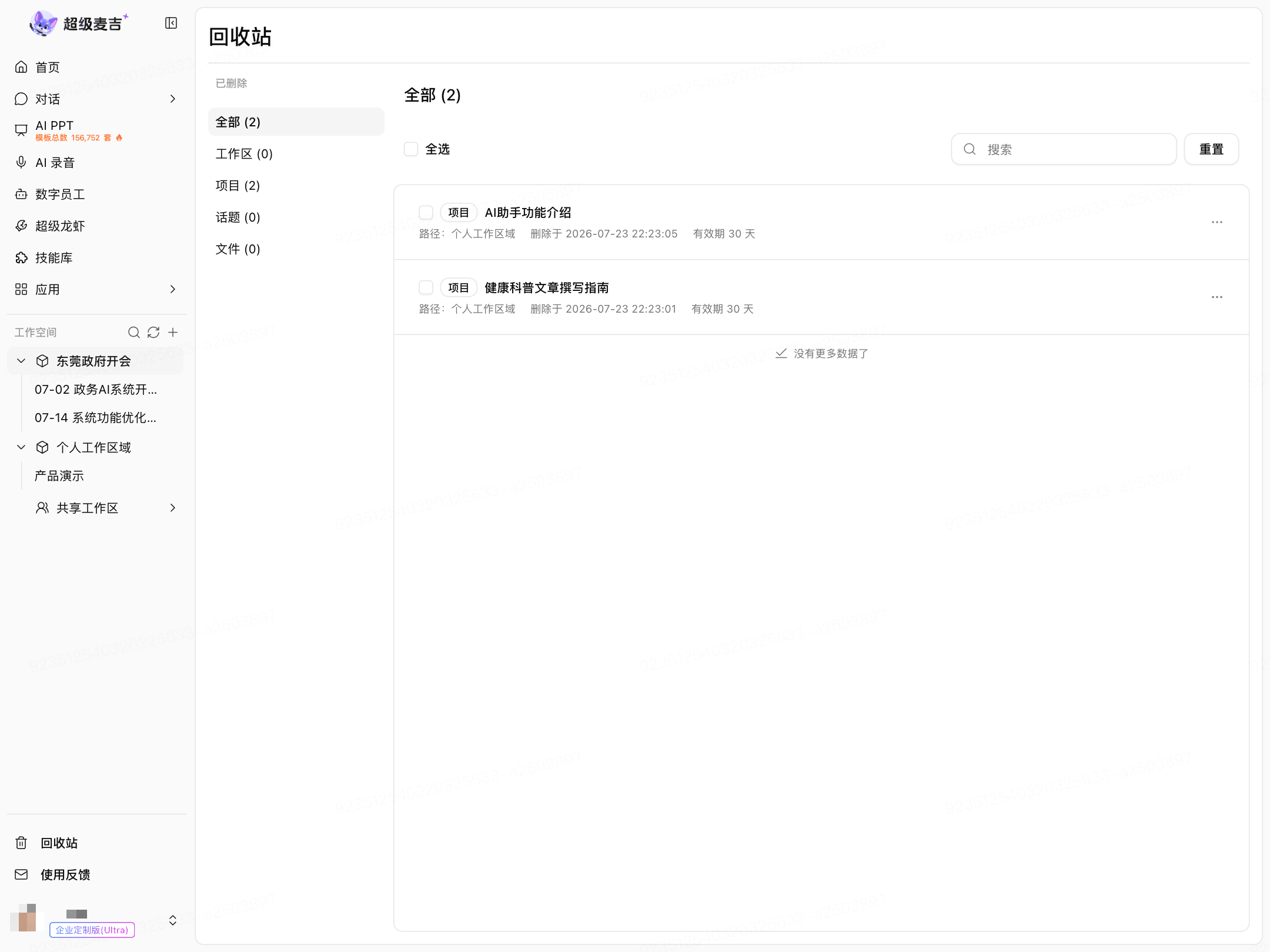
The Recycle Bin categorizes items by resource type:
All
Workspaces
Projects
Topics
Files
What Each Record Displays
Each record typically displays:
Resource type and name
Original path
Deletion time
Retention period
The number after each page category name indicates the number of items currently in that category.
Restore and Permanently Delete
Restore: Moves the content out of the Recycle Bin and restores it to its original location.
Permanently delete: Removes the content completely. It cannot be restored through the Recycle Bin afterward.
For specific instructions, see the bulk-action and individual-action options on the Recycle Bin page.