Step 1: Register and Complete Your Profile
When you complete login verification in SuperMagic for the first time, the system automatically creates an account for you and signs you in.
When you complete login verification in SuperMagic for the first time, the system automatically creates an account for you and signs you in.
Sign In to Register
After opening the SuperMagic login page, first select User Agreement and Privacy Policy at the bottom of the page, then choose an available sign-in method.
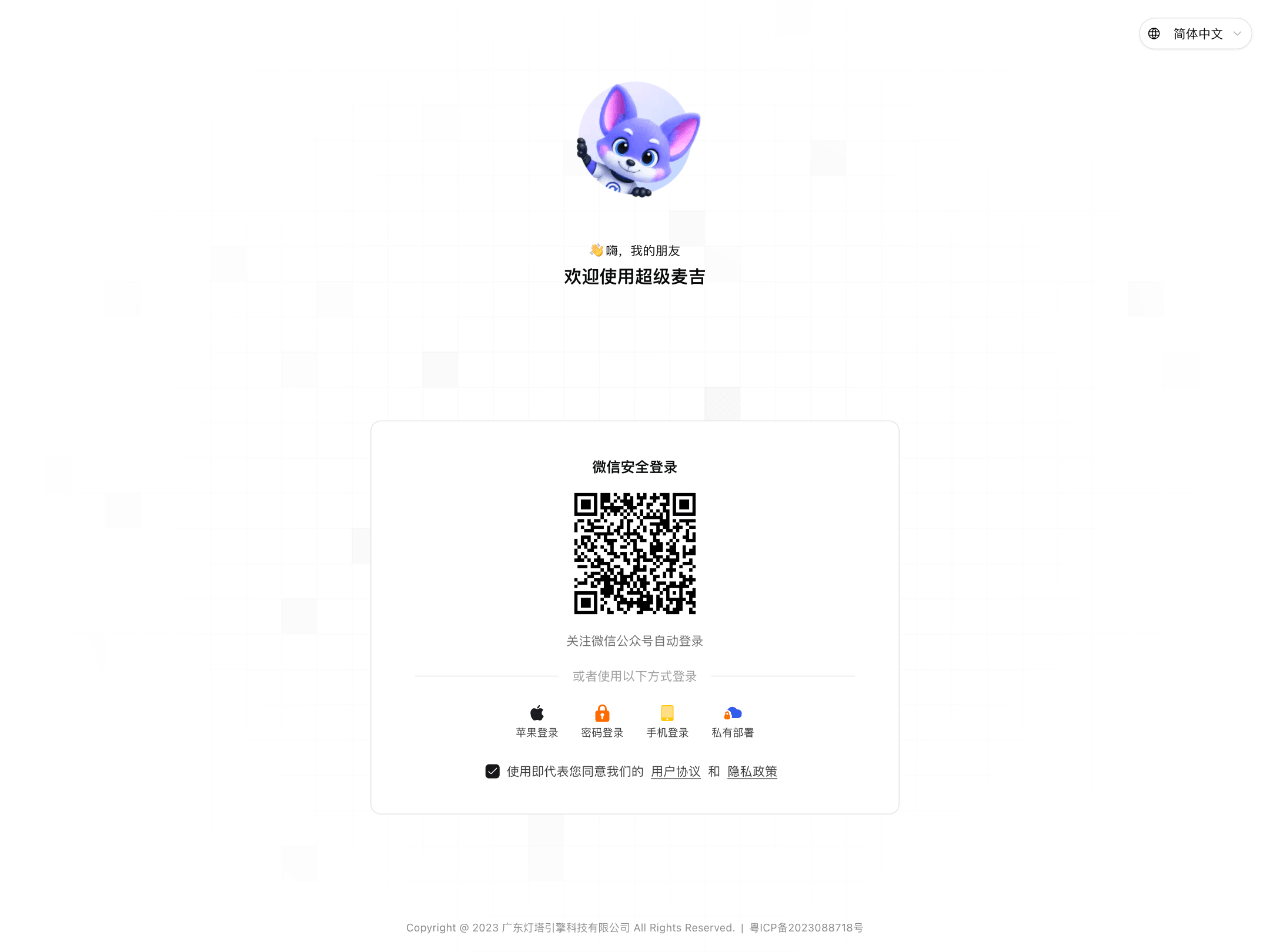
Available sign-in methods include:
WeChat Secure Login: Scan the QR code with WeChat and confirm as prompted.
Password Login: Enter your phone number and password.
Phone Login: Enter your phone number, then enter the SMS verification code.
Apple Login or Private Deployment: Use these only when the corresponding entry is displayed on the login page.
If this is your first time using SuperMagic, the system automatically completes registration and takes you to the home page after you verify your identity.
Complete Your Profile
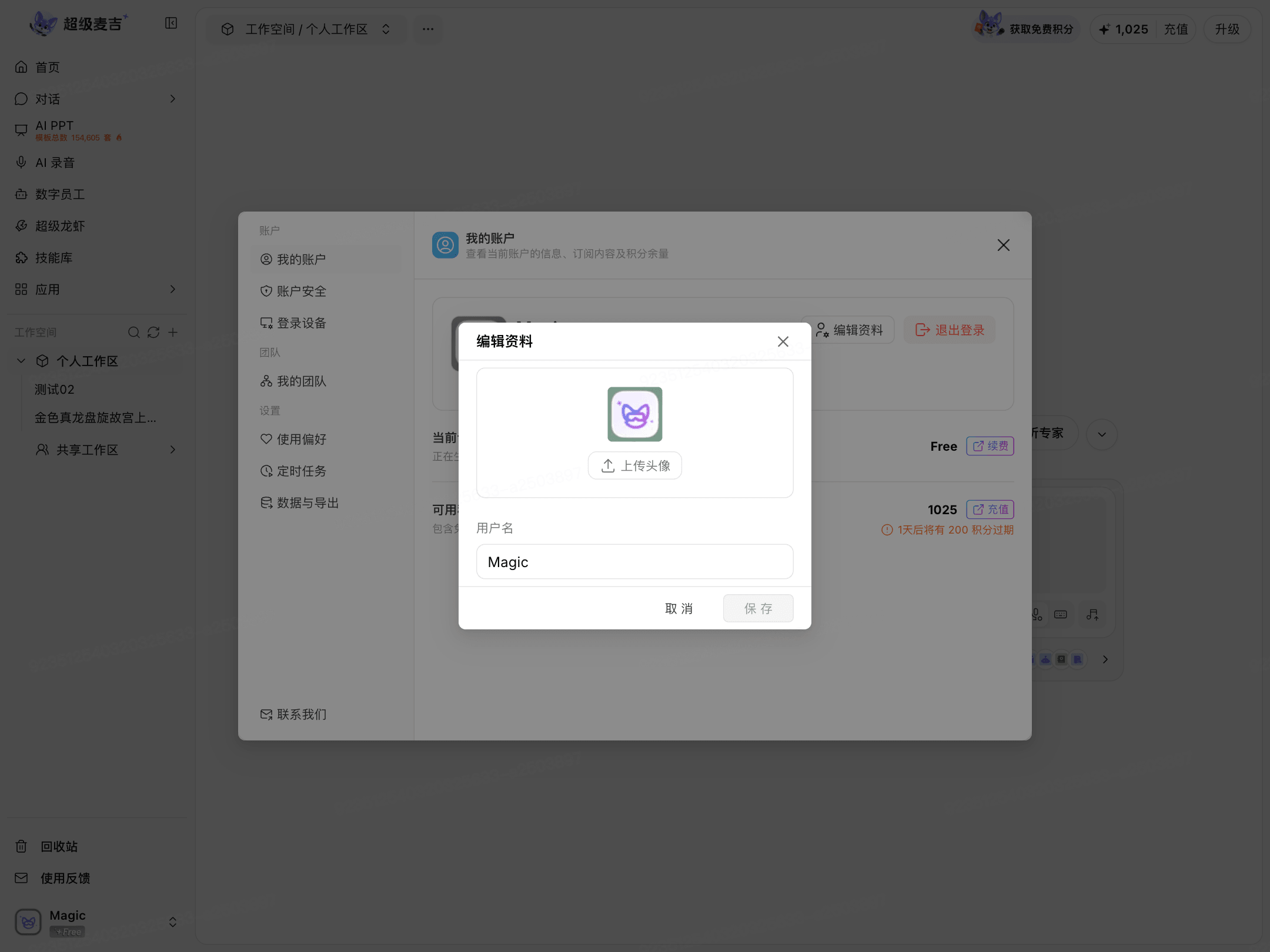
After signing in, click your avatar or account name in the lower-left corner, then click My Account.
Click Edit Profile.
To change your avatar, click Upload Avatar.
Enter the name you want to display in Username.
Click Save.