Export or Share a Recording Summary
Export content from the recording details page or use the sharing entry point.
Updated: 2026-09-02View LLM Markdown
Export content from the recording details page or use the sharing entry point.
Export Recording Content
Open the recording details.
Click Export in the upper-right corner.
Select the content you want to export.
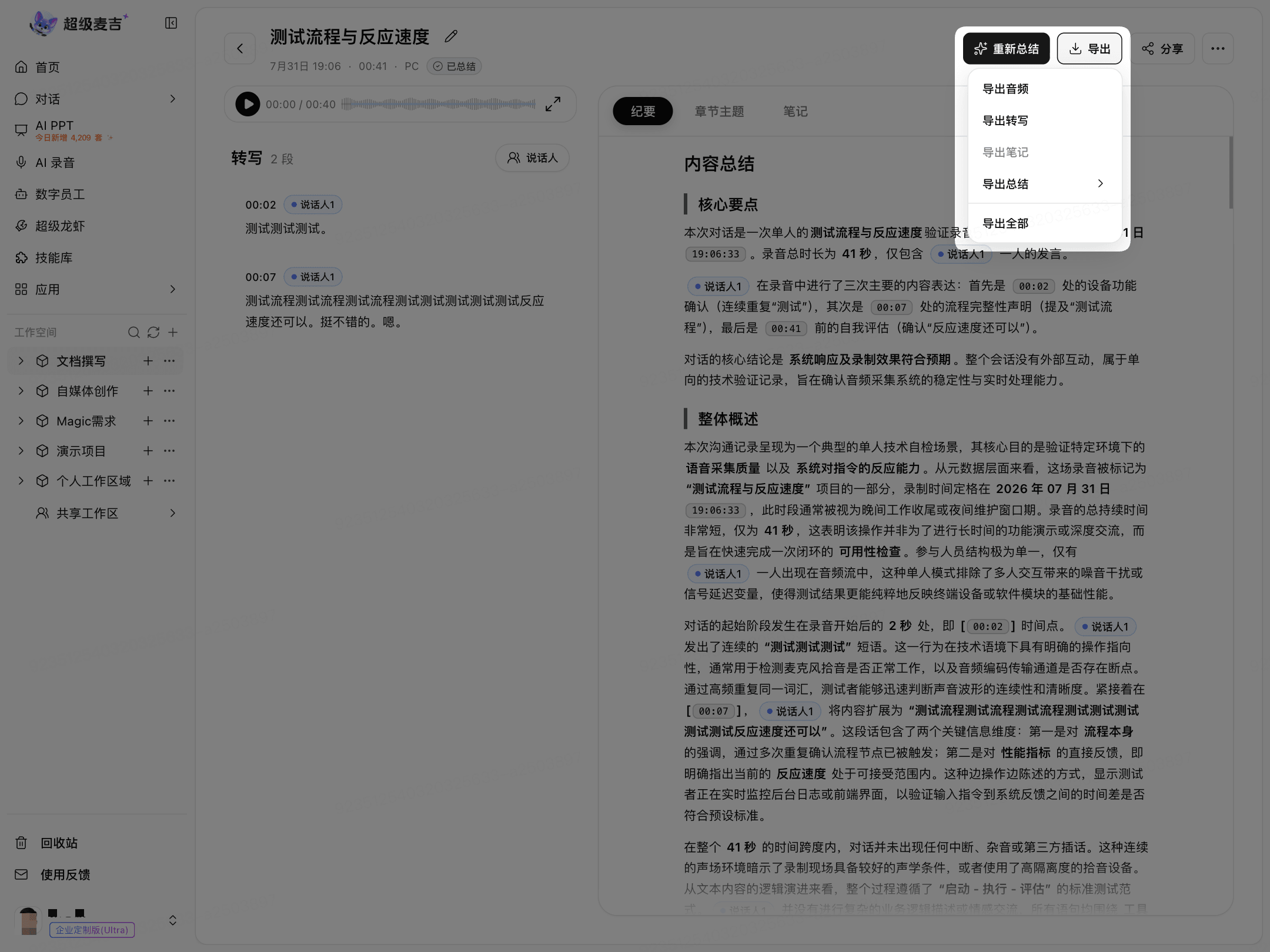
The menu displays Export Audio, Export Transcript, Export Notes, Export Summary, and Export All.
The available options depend on the page status.
Share a Recording Summary
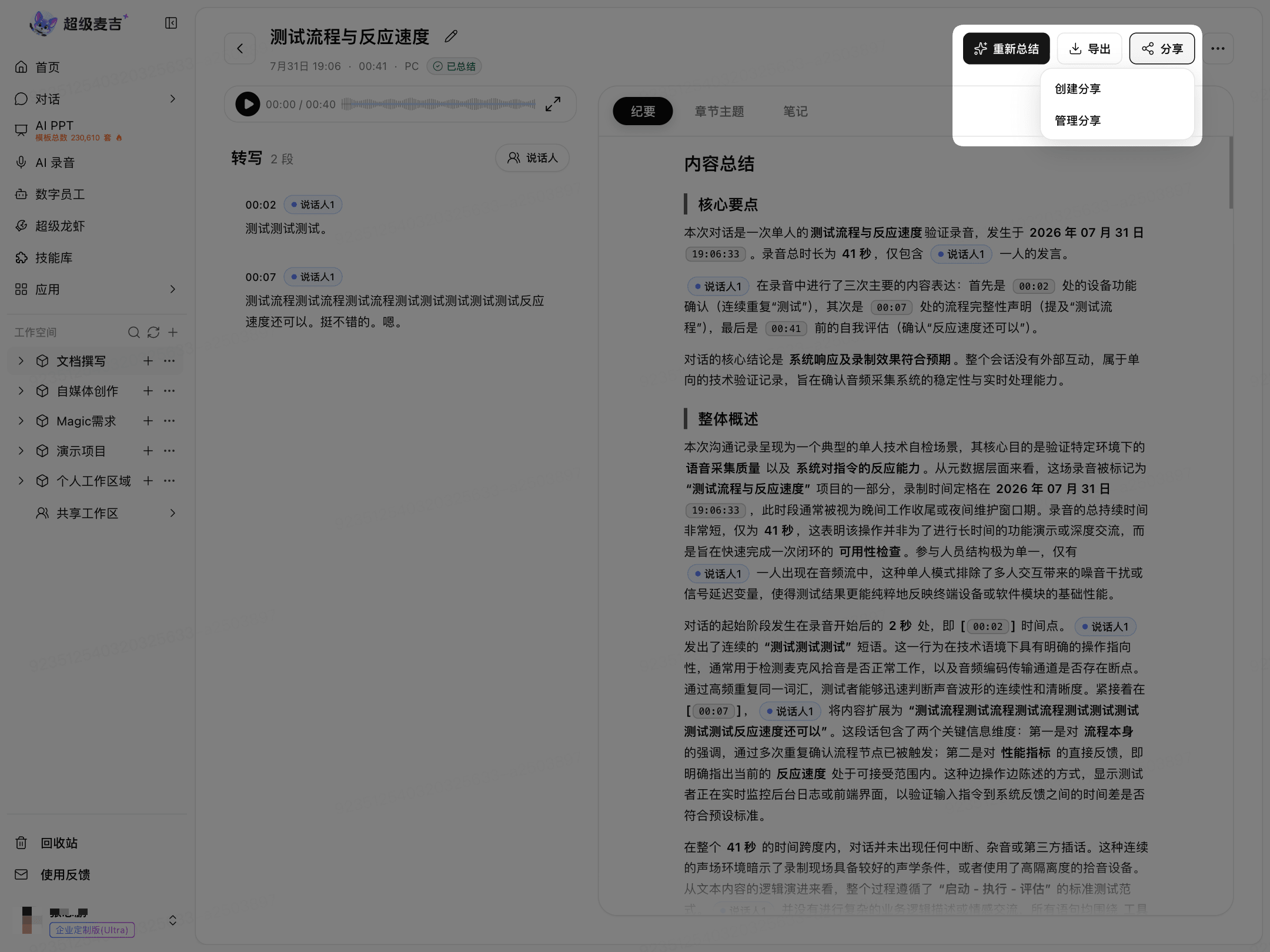
The recording details page provides a Share entry point in the upper-right corner.
Click Share.
Select Create Share.
To manage created shares, select Manage Shares.