
Quickly Understand the Skill Library
A **skill** is a reusable capability that **Digital Crew** can call. The **Skill Library** is used to find and add skills, while **My Skills** is used to manage skills created or added by the current account.
A skill is a reusable capability that Digital Crew can call. The Skill Library is used to find and add skills, while My Skills is used to manage skills created or added by the current account.
What Is the Skill Library
The Skill Library is used to find and view available skills. A skill card typically displays the name, description, source, version, or last updated time.
When the page displays Added, it means the skill has already been added to the current account's My Skills. When it displays Add to My Skills, it means the skill has not yet been added.
How to Access It
In the left navigation bar of SuperMagic, click Skill Library.
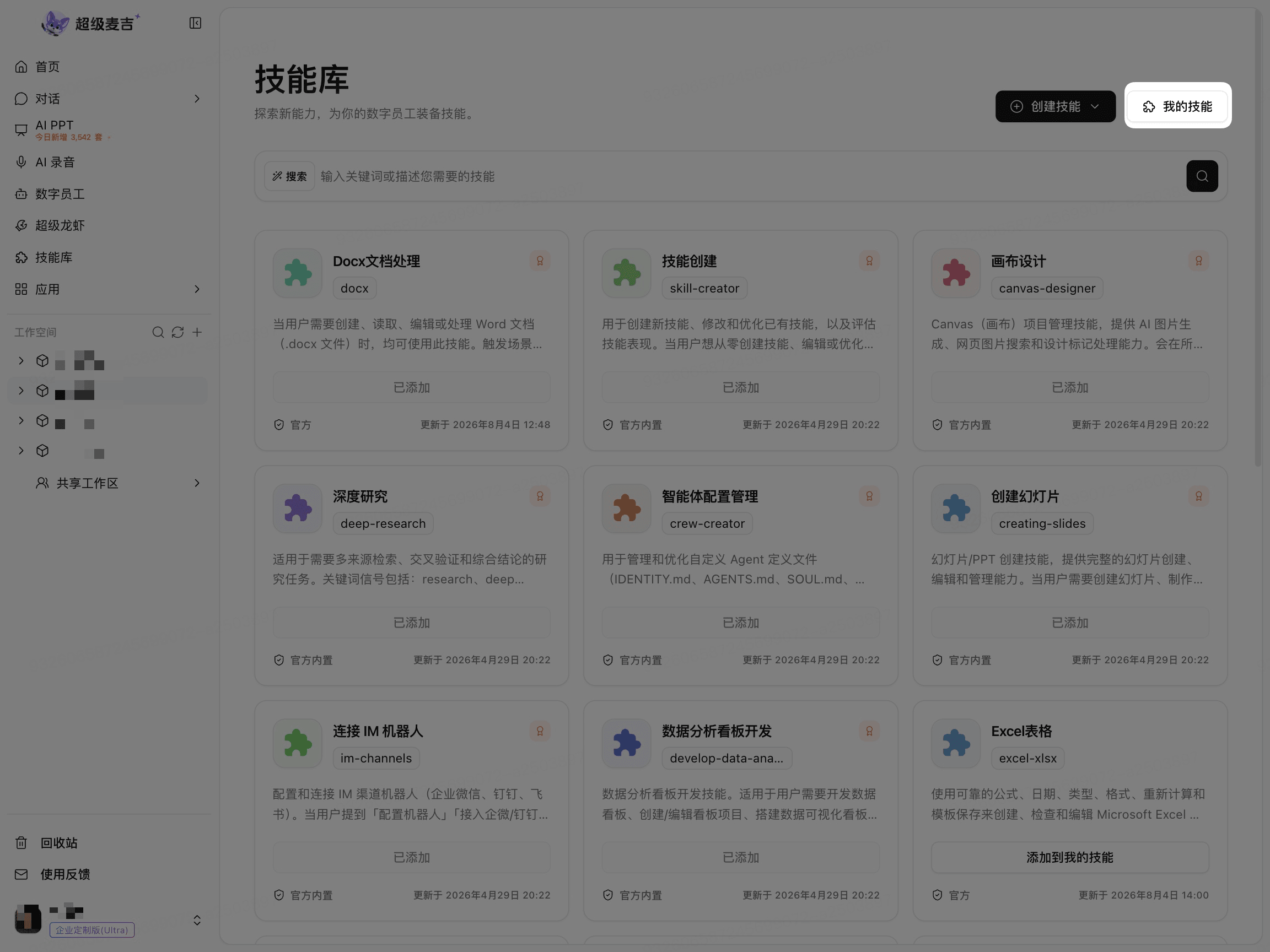
When skill cards are displayed on the page, you have entered the Skill Library.
Skill Library and My Skills
What you want to do | Where to go |
|---|---|
Find available skills | Skill Library |
View skills that have been added or created | My Skills |
View your own skills and team-shared skills | My Skills |
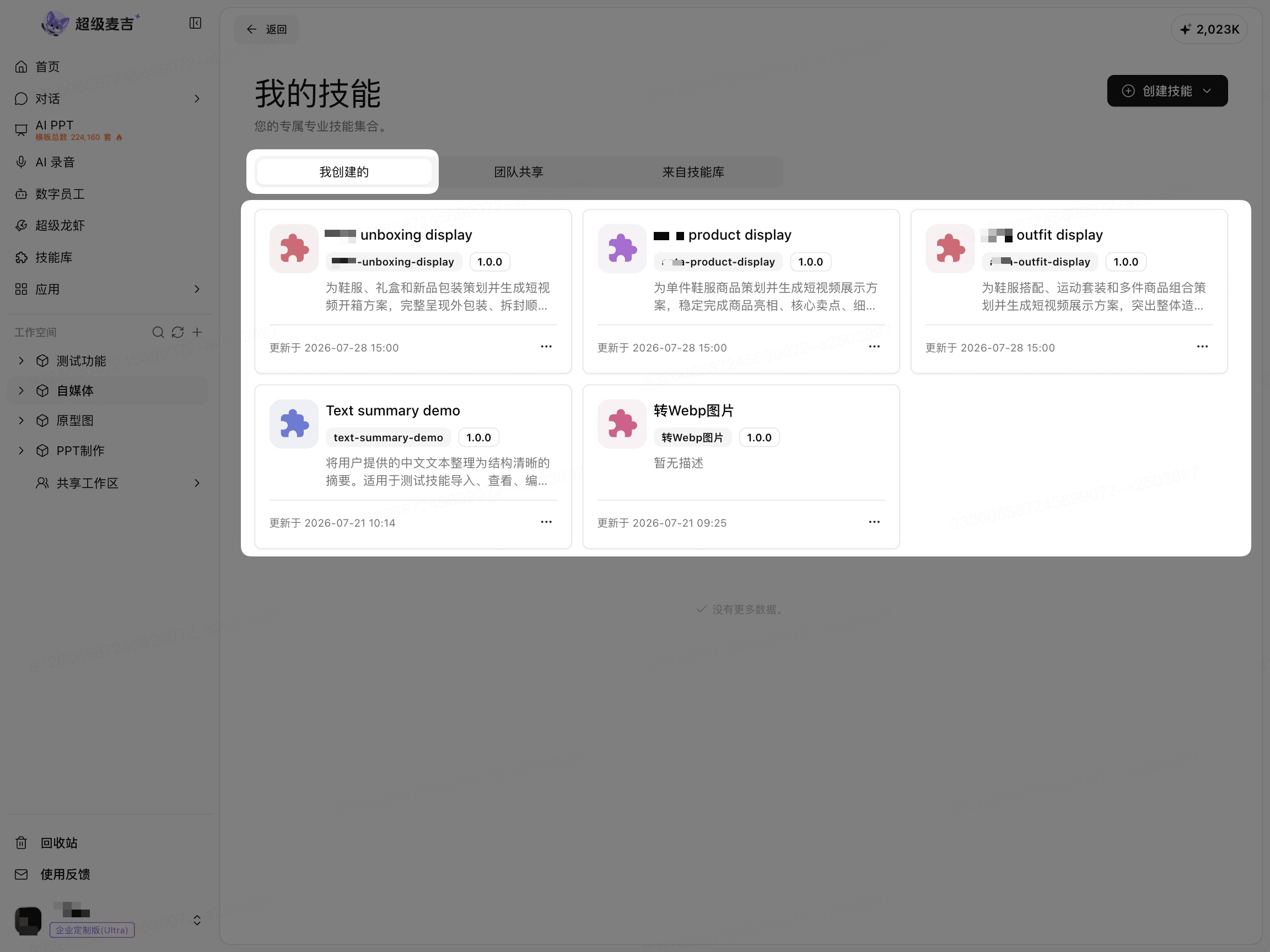
Click My Skills in the upper-right corner of the Skill Library to view the personal skill management page.
Relationship Between Skills and Digital Crew
The Skill Library is responsible for finding and managing skills, while Digital Crew is responsible for calling configured skills to complete tasks.
After adding a skill to My Skills, if you want a particular Digital Crew to use it, you must also add the skill on that Digital Crew's configuration page. Refer to the specific Digital Crew configuration page for the exact entry point.