
Add Built-in Skills to a Digital Crew
Find and add built-in skills on the Digital Crew configuration page, then review the crew member's skill list.
Find and add built-in skills on the Digital Crew configuration page, then review the crew member's skill list.
Open Skill Configuration
In the left navigation bar, click Digital Crew.
Click My Crew.
Find the target crew member and click Edit.
Find Skills on the left side of the configuration page.
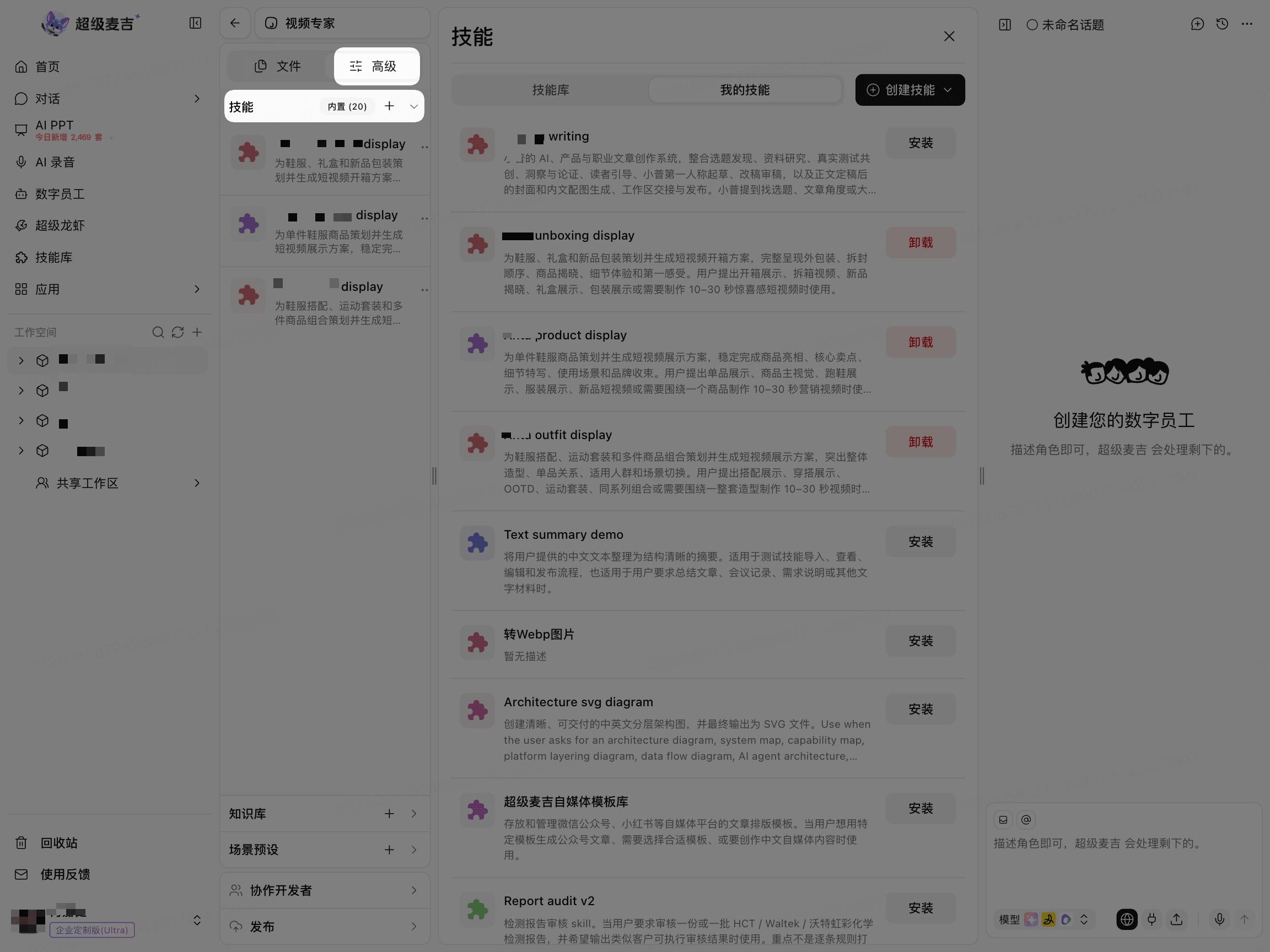
Select and Add Skills
In the Skills section, open the add-skill entry point.
Search for a skill name or task keyword.
Review the skill description.
Select the skill you want to add.
Click Install to the right of the skill.
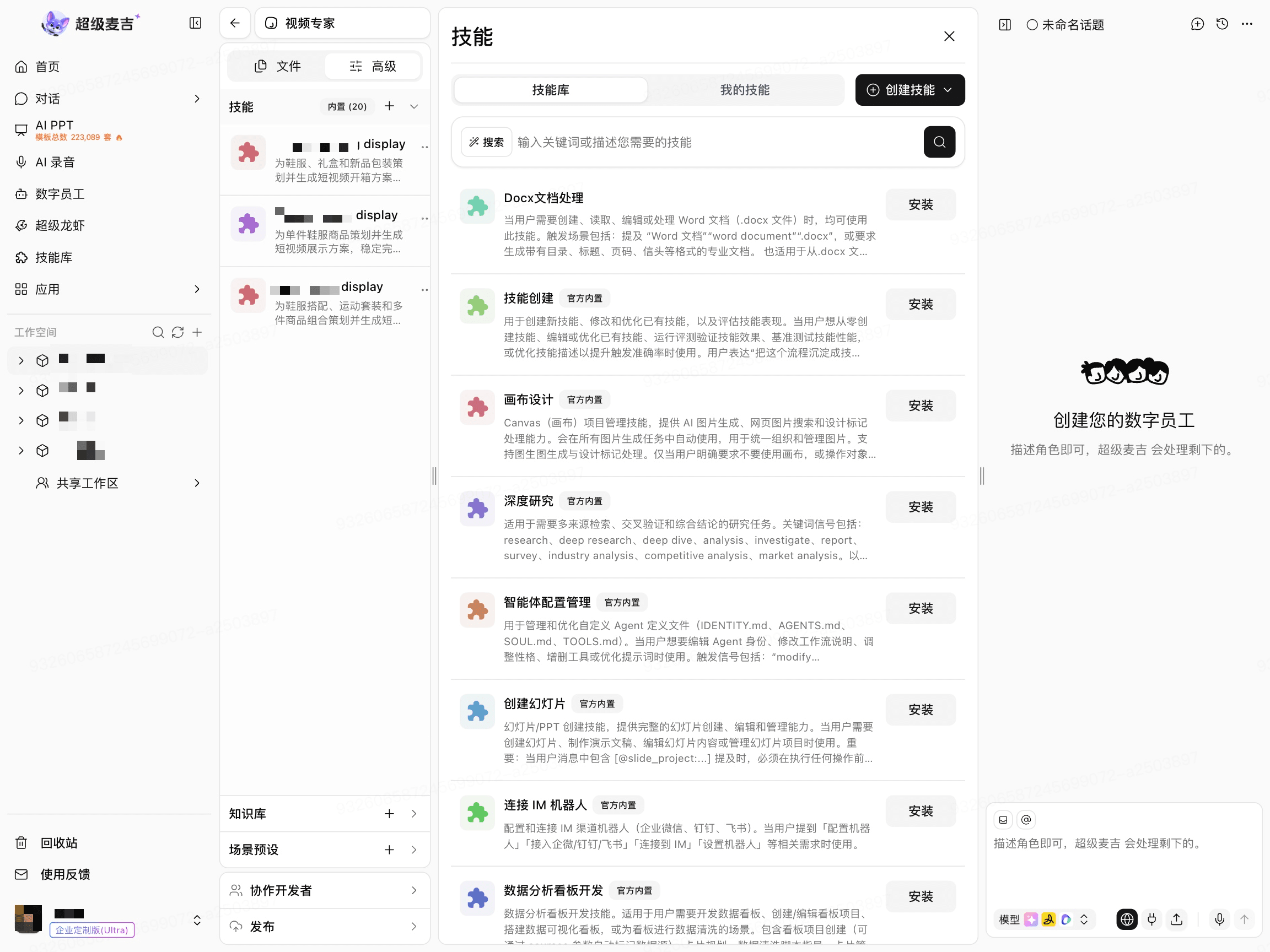
After installation is complete, return to the crew member's skill configuration section.
Confirm That the Skill Was Added
Return to the skill configuration section and check whether the target skill appears under Installed Skills or in the skill list.
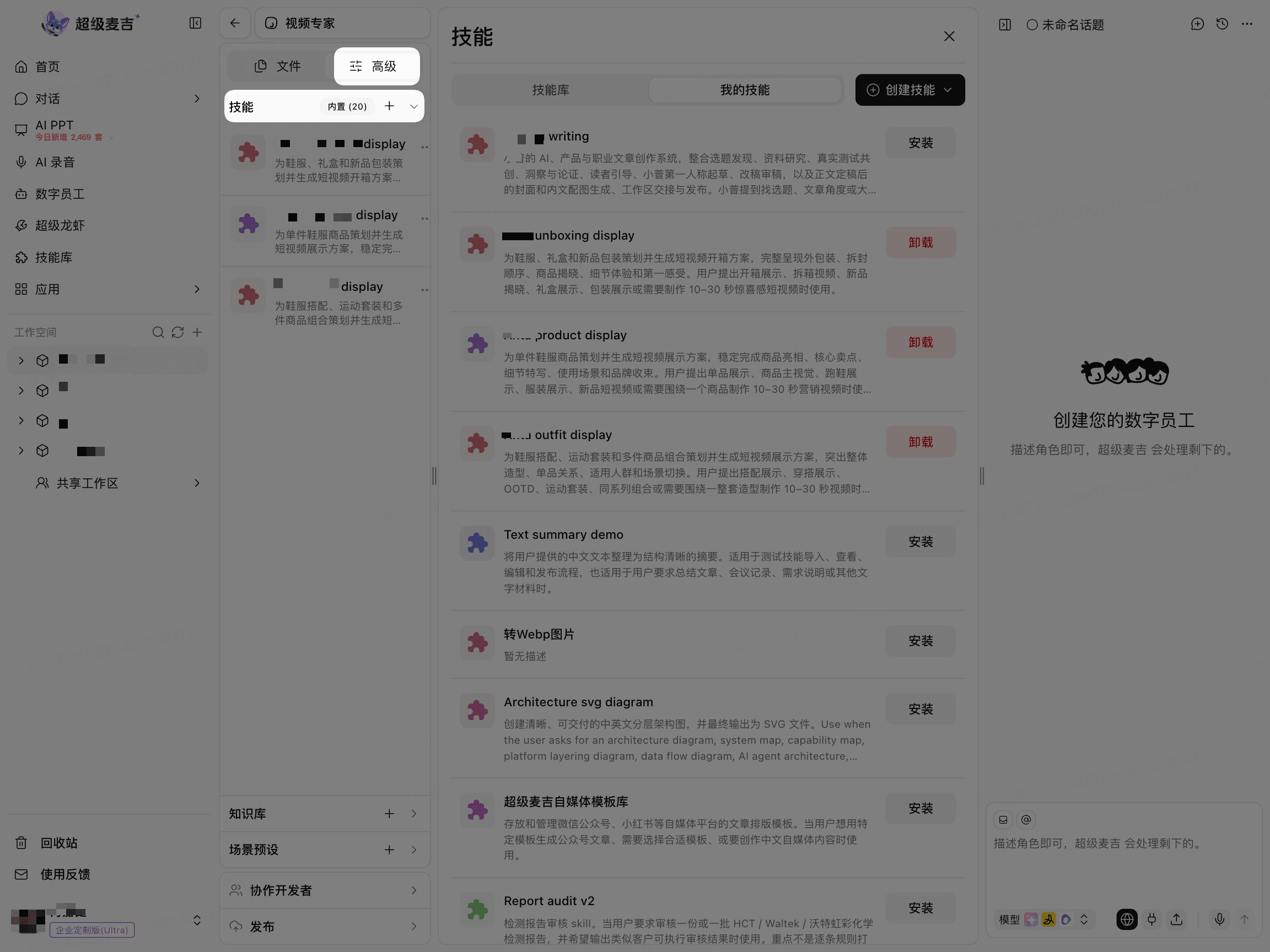
If the skill does not appear, reopen the configuration page and check whether the current account has permission to use the skill.
Skill configuration is part of the crew member version. After adding the skill, return to the crew member's publishing page and check whether unpublished changes are displayed.