
Digital Crew Scene Preset Configuration
Set up Basic Information, Presets, Quick Start, and Inspiration Discovery in Digital Crew Scene Configuration to help users start tasks from clear entry points.
Set up Basic Information, Presets, Quick Start, and Inspiration Discovery in Digital Crew Scene Configuration to help users start tasks from clear entry points.
Access Scene Preset Configuration
Click Digital Crew in the left navigation bar.
Click My Crew.
Find the target crew member and click Edit.
Find Scene Presets on the left side of the configuration page.
Click + to create a scene, or open an existing scene.

Configure Basic Scene Information
Select a scene icon in Basic Information.
Enter the Scene Title and Description.
Select a Scene Color.
Set the Enabled status.
Click Save.
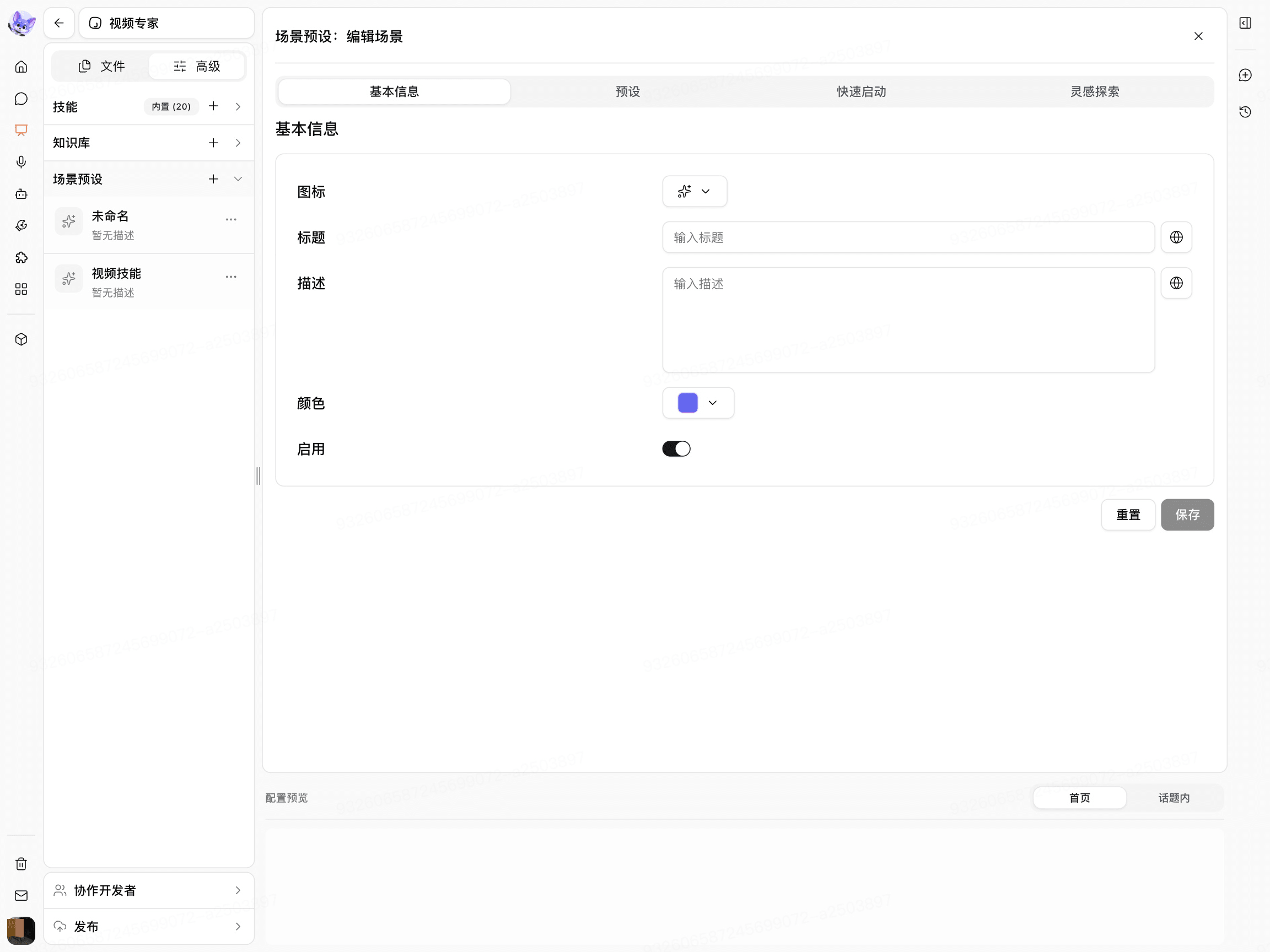
The Title should directly describe the task, such as “Generate product marketing copy” or “Organize meeting notes.”
Create a Preset
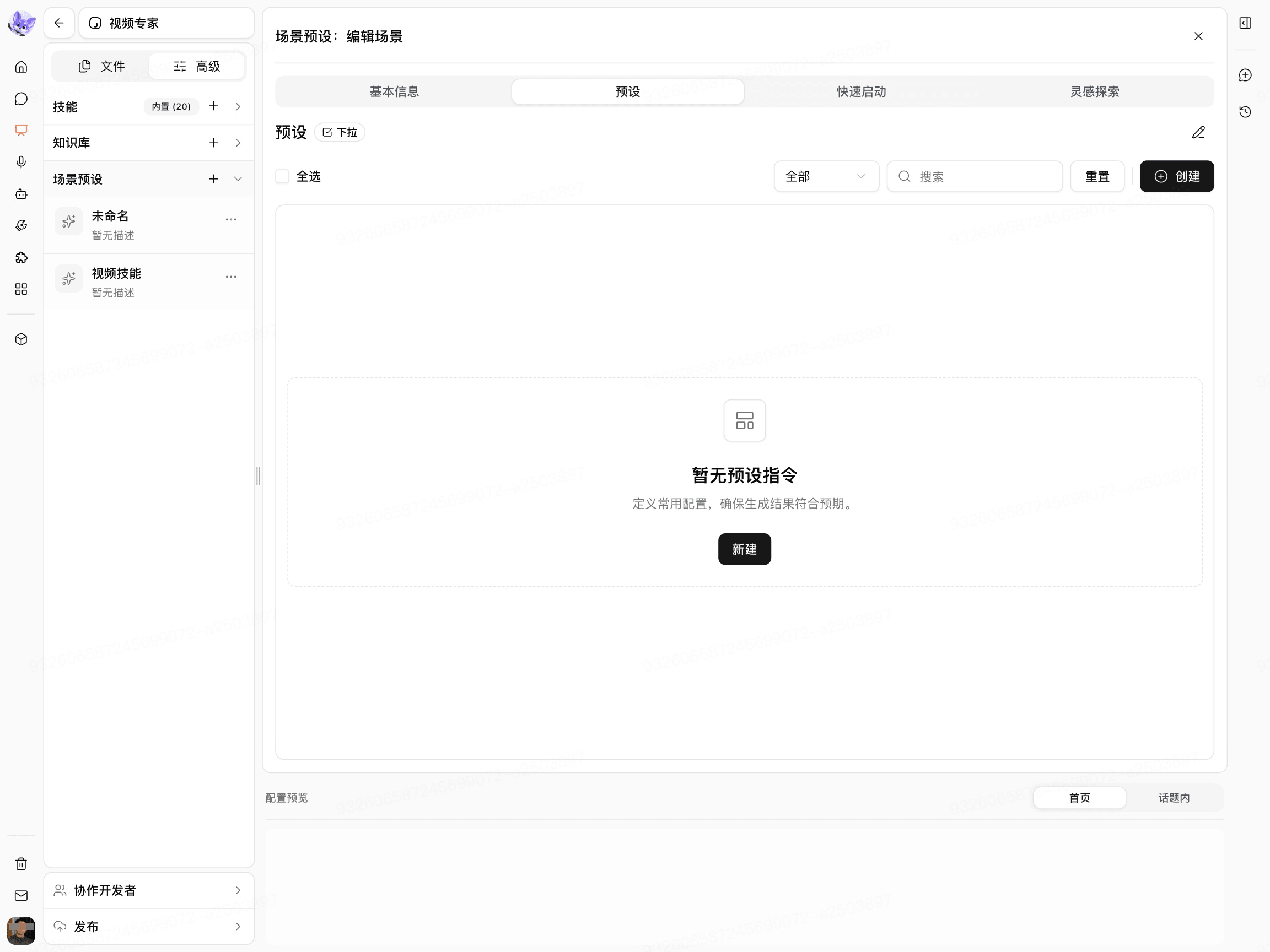
Open Presets.
Click Create.
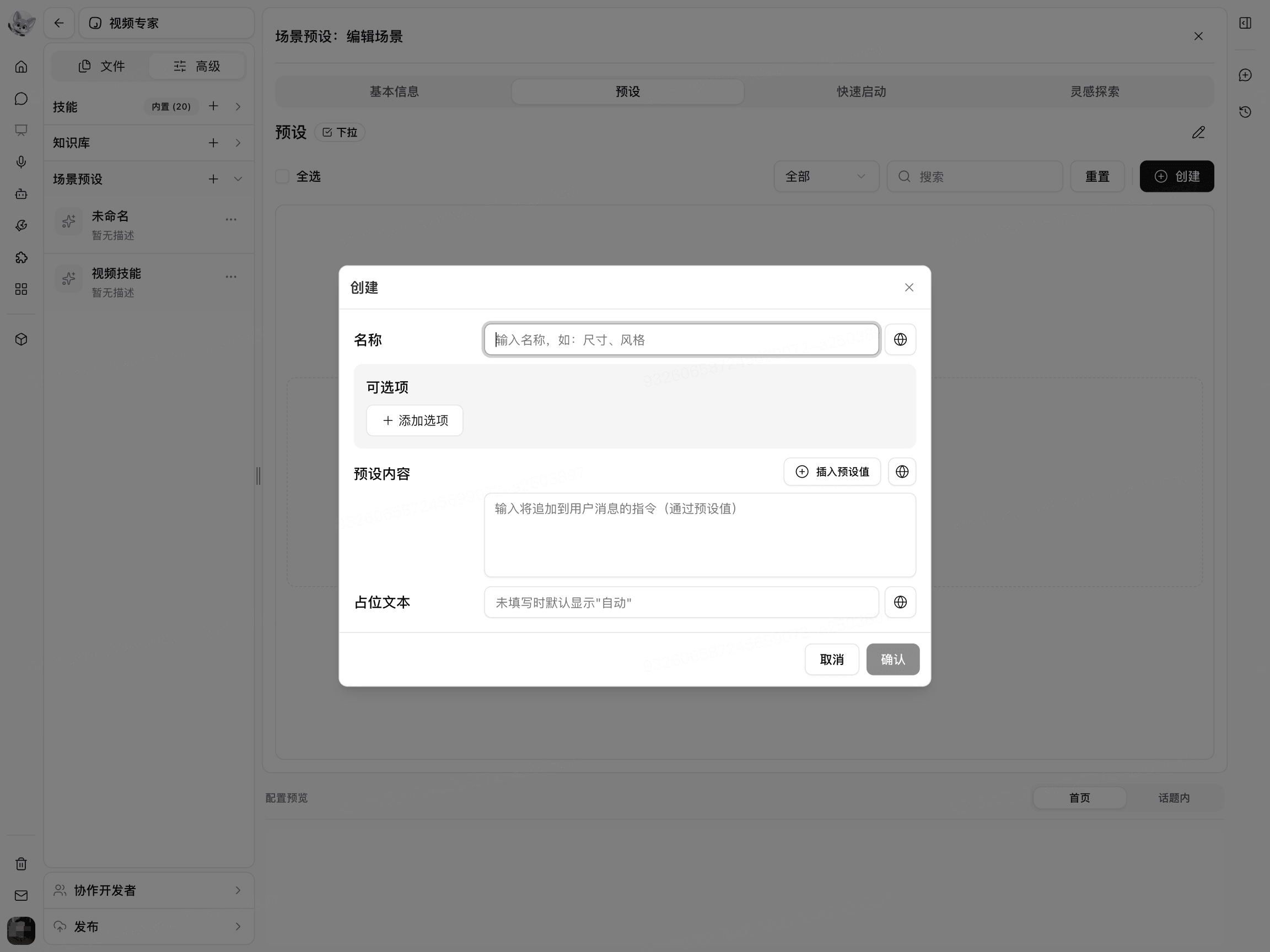
Enter a Preset Name.
Click Add Option.
Enter the Display Name and Preset Value.
Set the Default Option.
Insert the Preset Value in Preset Content.
Click Confirm.
The Display Name is the text users see, while the Preset Value is the value actually added to the task content.
Configure Quick Start
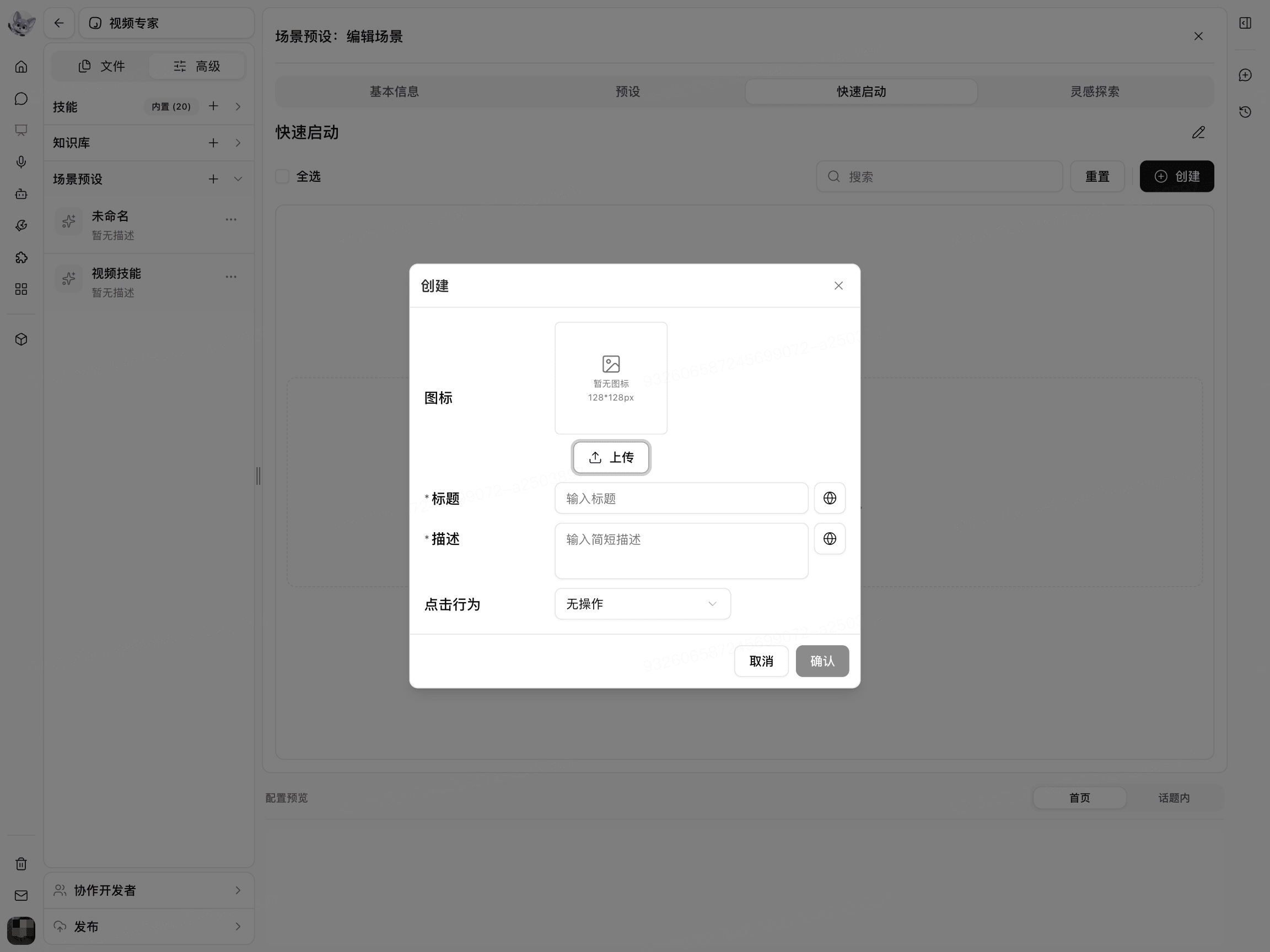
Open Quick Start.
Click Create.
Upload an Icon.
Enter the Title and Description.
Select an action under Click Behavior.
Enter the Content required for the selected action.
Click Confirm.
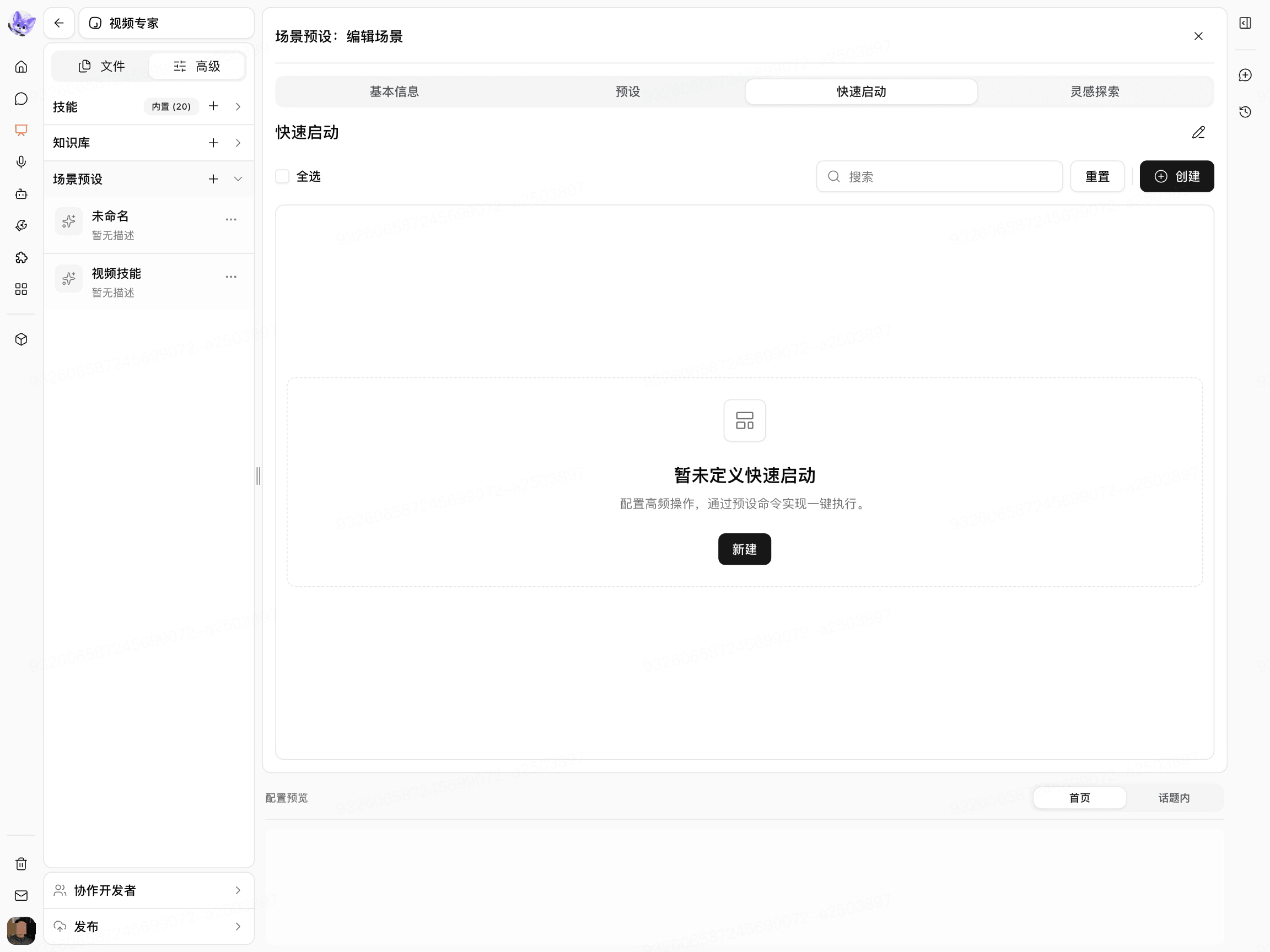
Common click behaviors include Focus Input, AI Enhance, Fill Content, Open Link, and Upload File.
Configure Inspiration Discovery
Open Inspiration Discovery.
Create a Group.
Click Create.
Upload a Cover Image.
Enter the Title.
Enter the task content in Prompt.
Click Confirm.
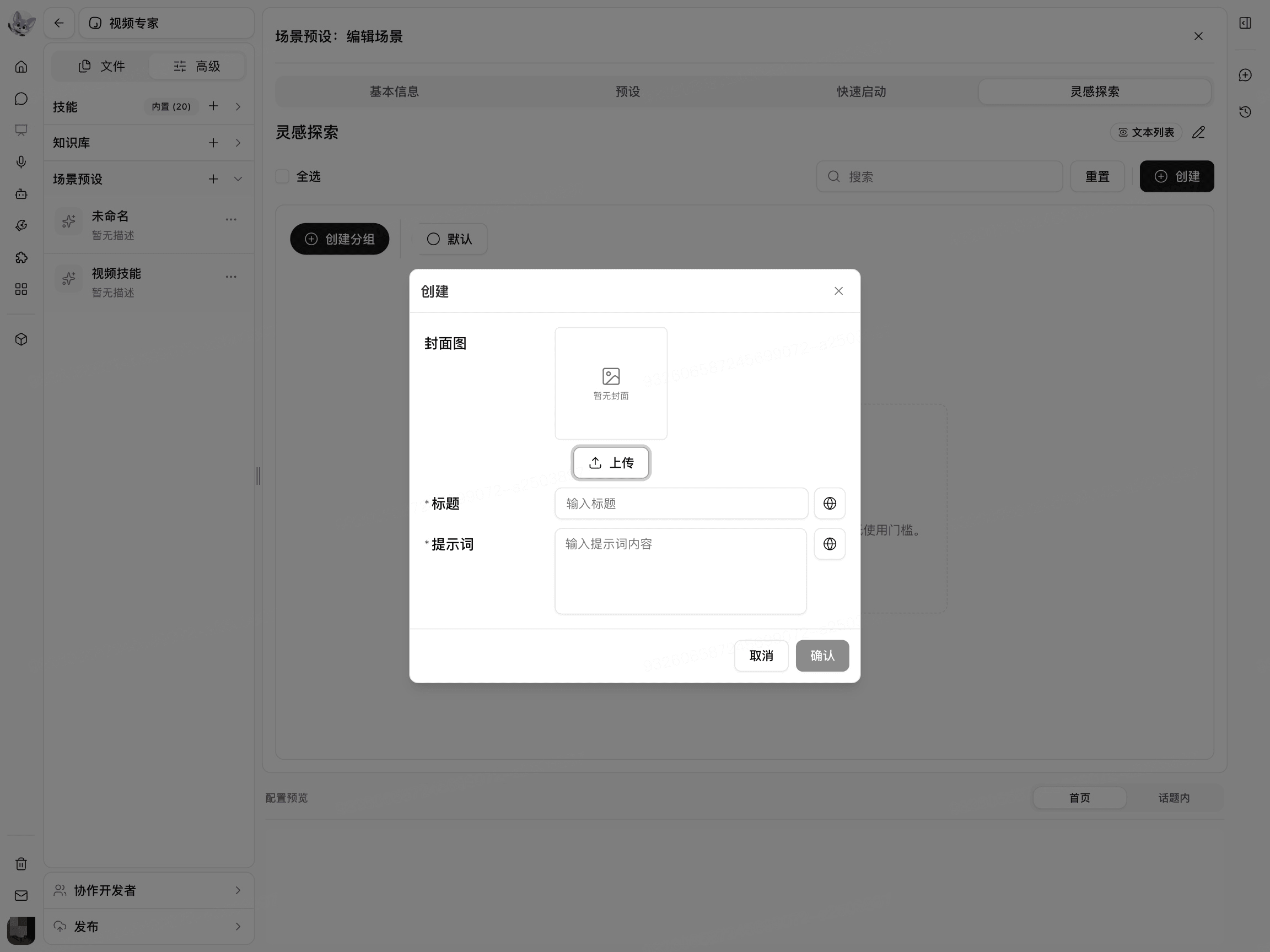
The Title should describe a specific task, and the Prompt should explain the inputs, processing requirements, and expected results.
Preview the Scene
Check how the scene appears on the Home Page and in Topics under Preview in the configuration.
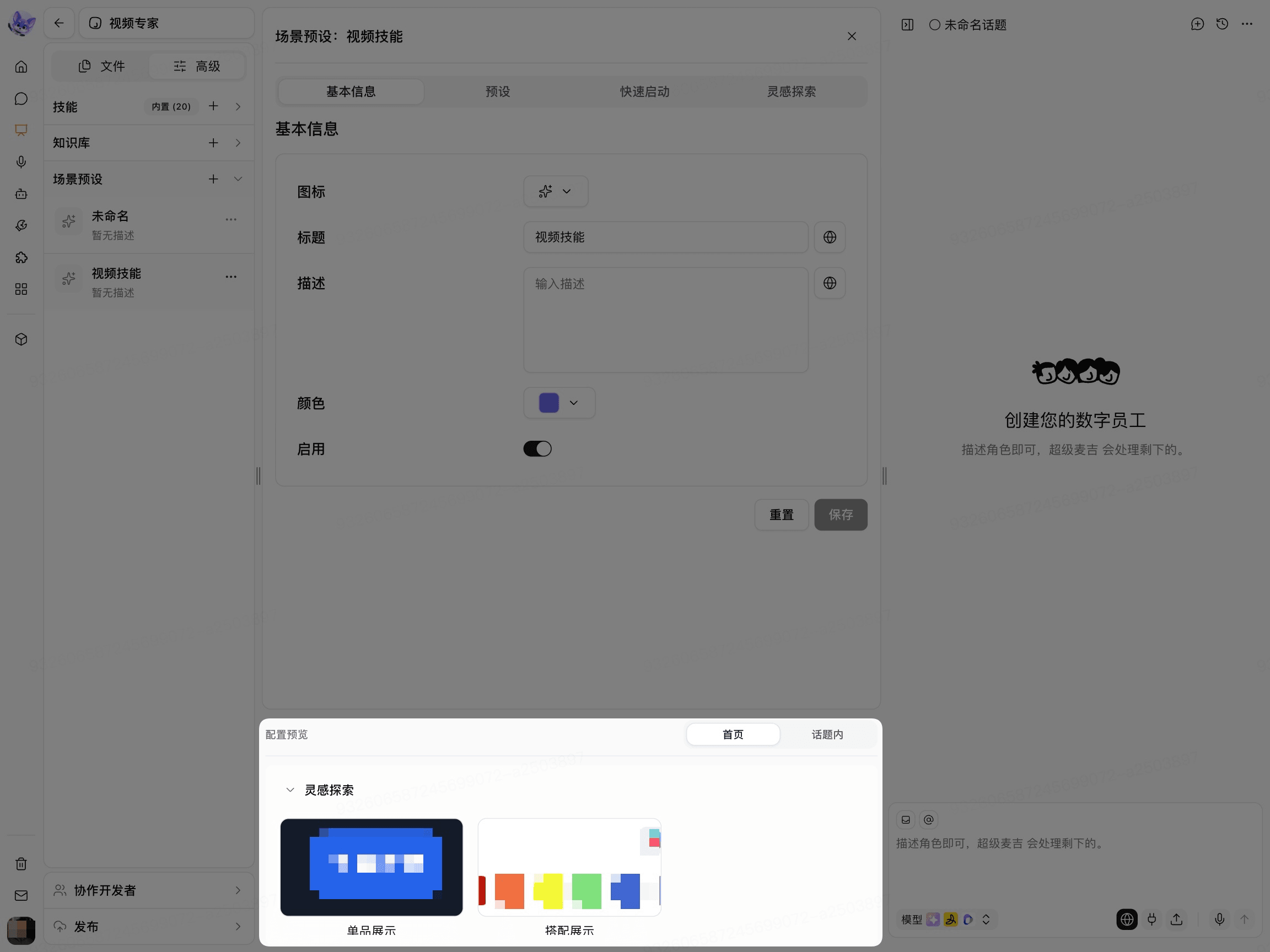
The final visibility scope may also be affected by the crew member’s Published Version and Account Permissions.