
Collaborative Development of Digital Crew by Multiple Users
Add members or departments in the **Digital Crew** **Co-developers** settings and view the users who jointly maintain it.
Add members or departments in the Digital Crew Co-developers settings and view the users who jointly maintain it.
Open the Collaboration Settings
In the left navigation bar, click Digital Crew.
Click My Digital Crew.
Find the target Digital Crew and click Edit.
Open the Digital Crew's Co-developers settings.
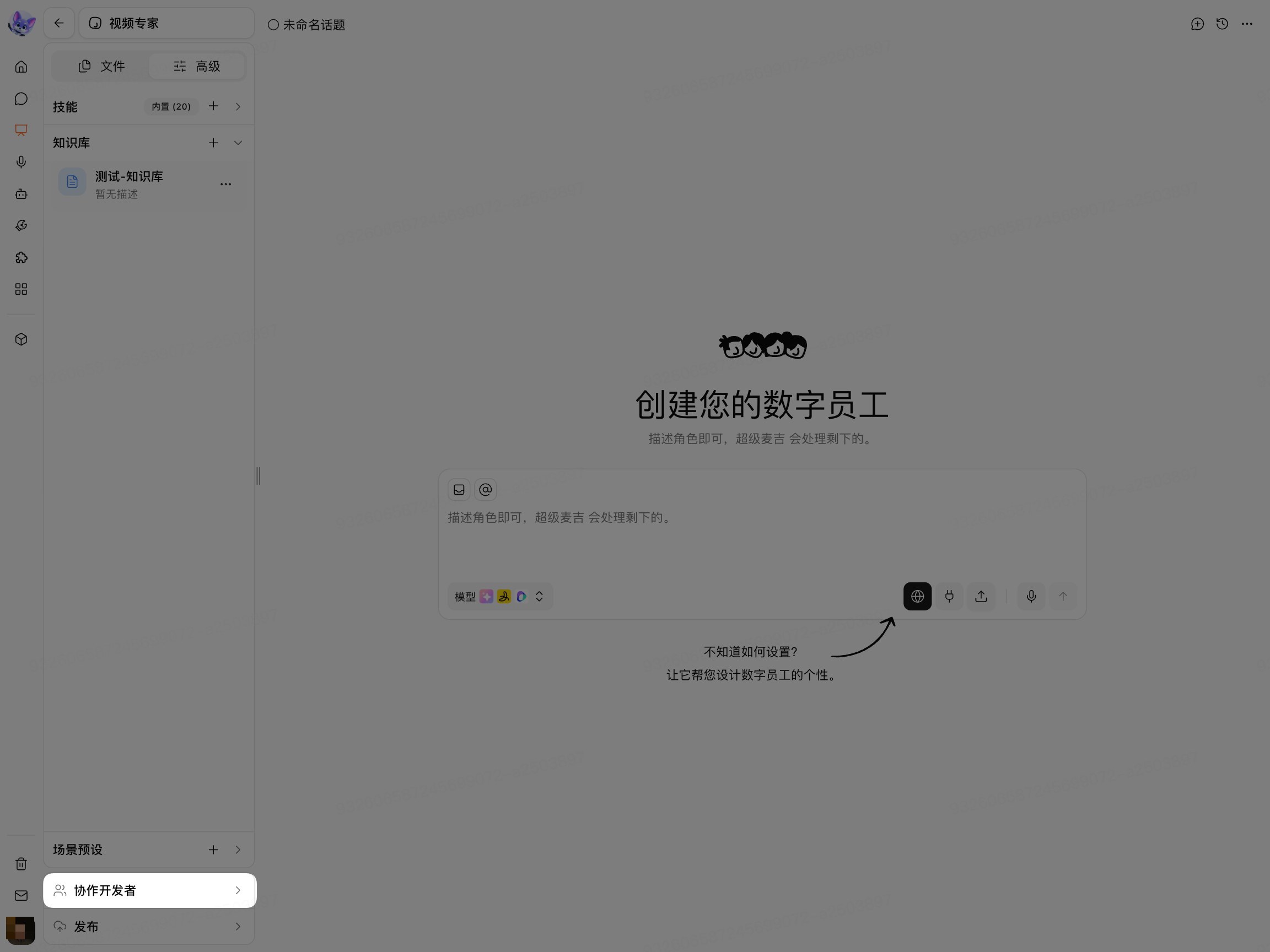
When the Co-developers settings are displayed, you have entered the Collaboration Management entry point.
Add Co-developers
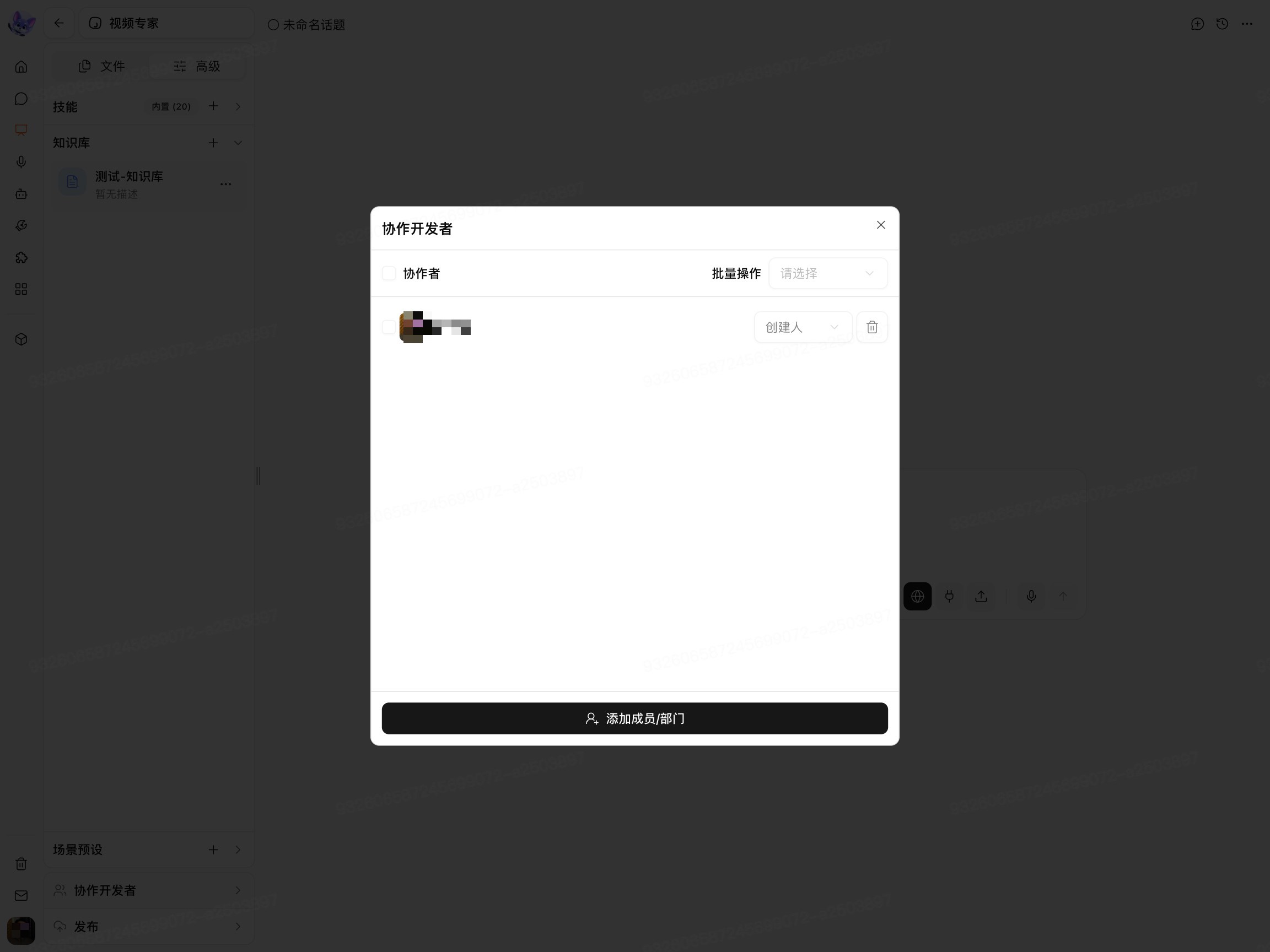
On the Co-developers page, click Add Member/Department at the bottom.
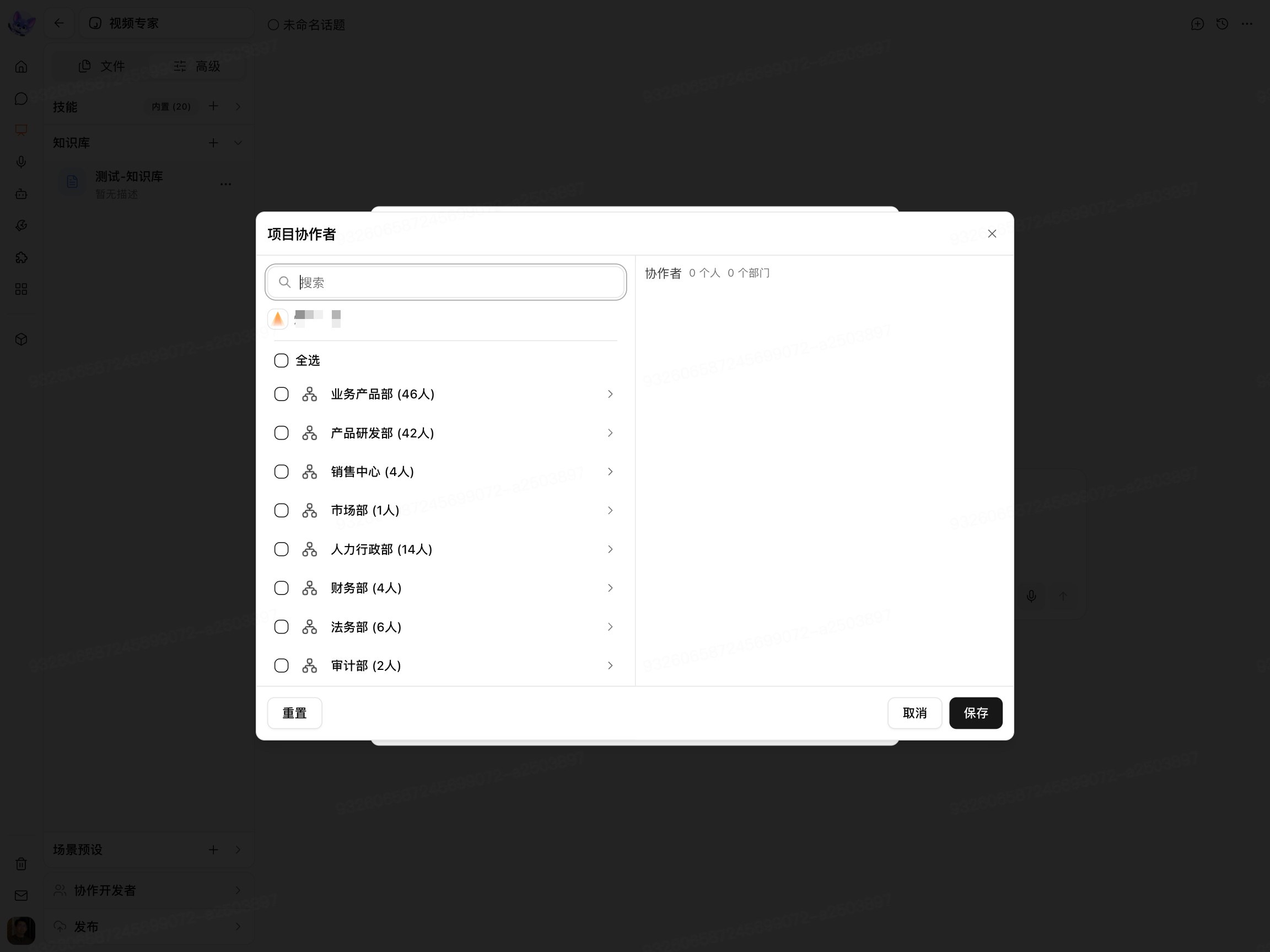
Use the search box to find the target member, or select a member or department from the department list.
Check the collaborators you want to add.
Click Save.
View the Co-developers List
After opening the Co-developers page, you can view the current collaborators and their roles.
When you need to add more users to jointly maintain the Digital Crew, click Add Member/Department to reopen the collaborator selection page.
After a Collaborator modifies the Digital Crew configuration, whether a member with Publish Permission must create a New Version should be determined based on the actual prompt on the Publish Page. For the publishing process, see Publish My Digital Crew.