
Manage Long-Term Memory
Long-term memory stores information that needs to be referenced continuously in future tasks.
Long-term memory stores information that needs to be referenced continuously in future tasks.
Long-term memory is divided into Global Memory and Project Memory.
Global Memory: Stores general personal preferences or rules.
Project Memory: Stores information for use only in a specified project.
Add and Manage Global Memory
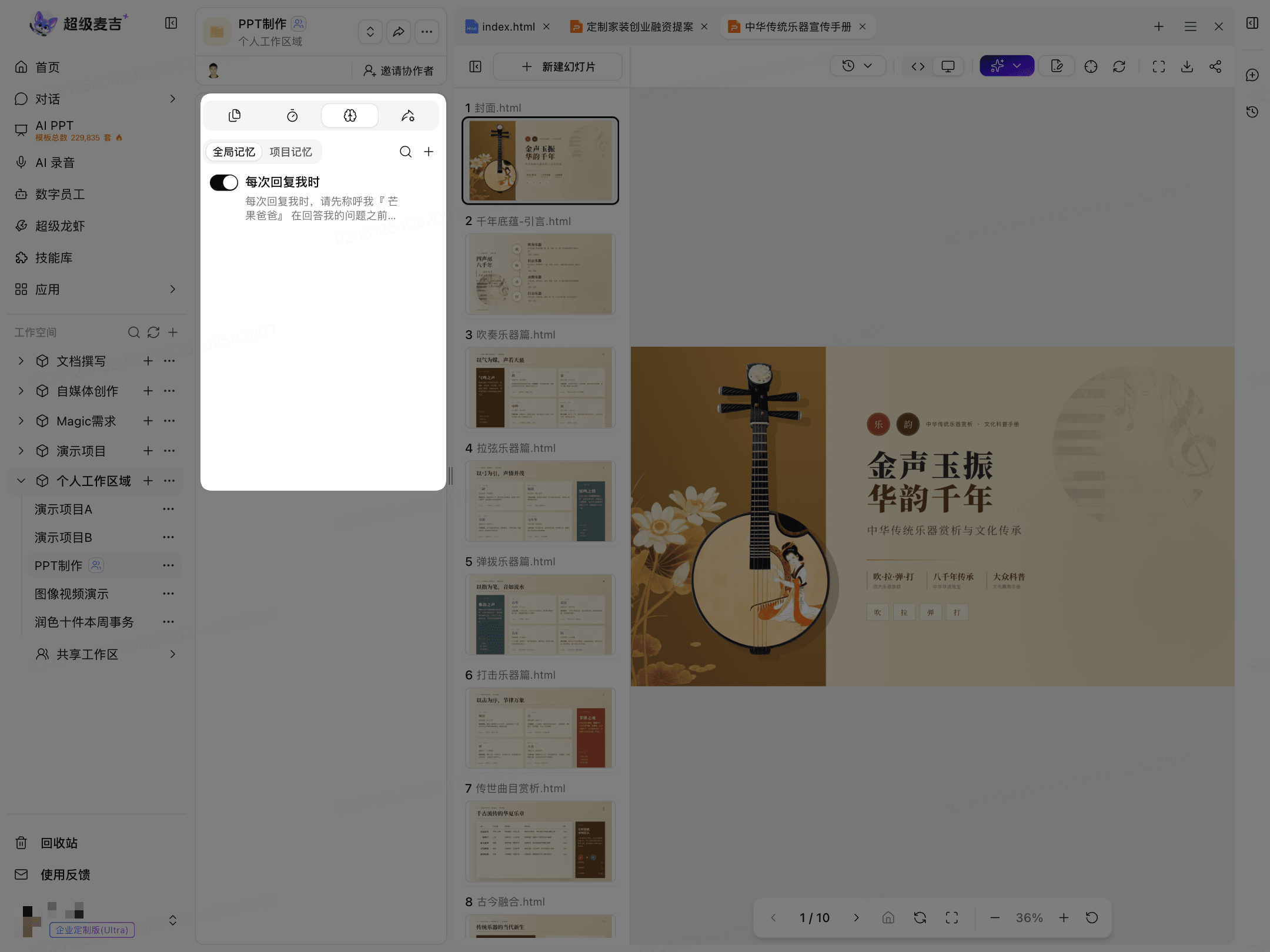
Click the Long-Term Memory icon at the top of the current page.
Global Memory opens by default.
Click + in the upper-right corner to add a global memory.
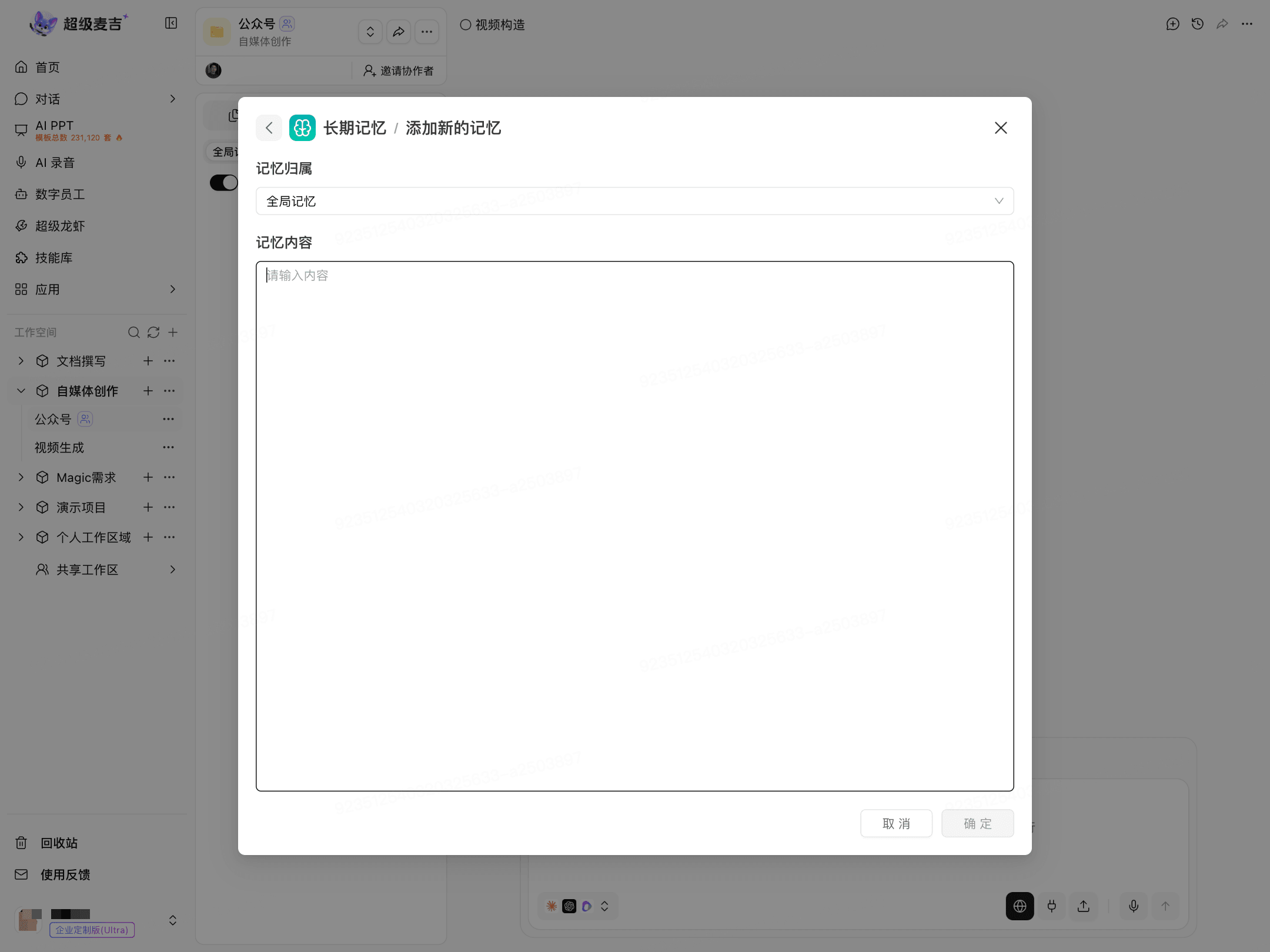
Keep Global Memory selected under Memory Scope.
Enter the memory content.
Click Confirm.
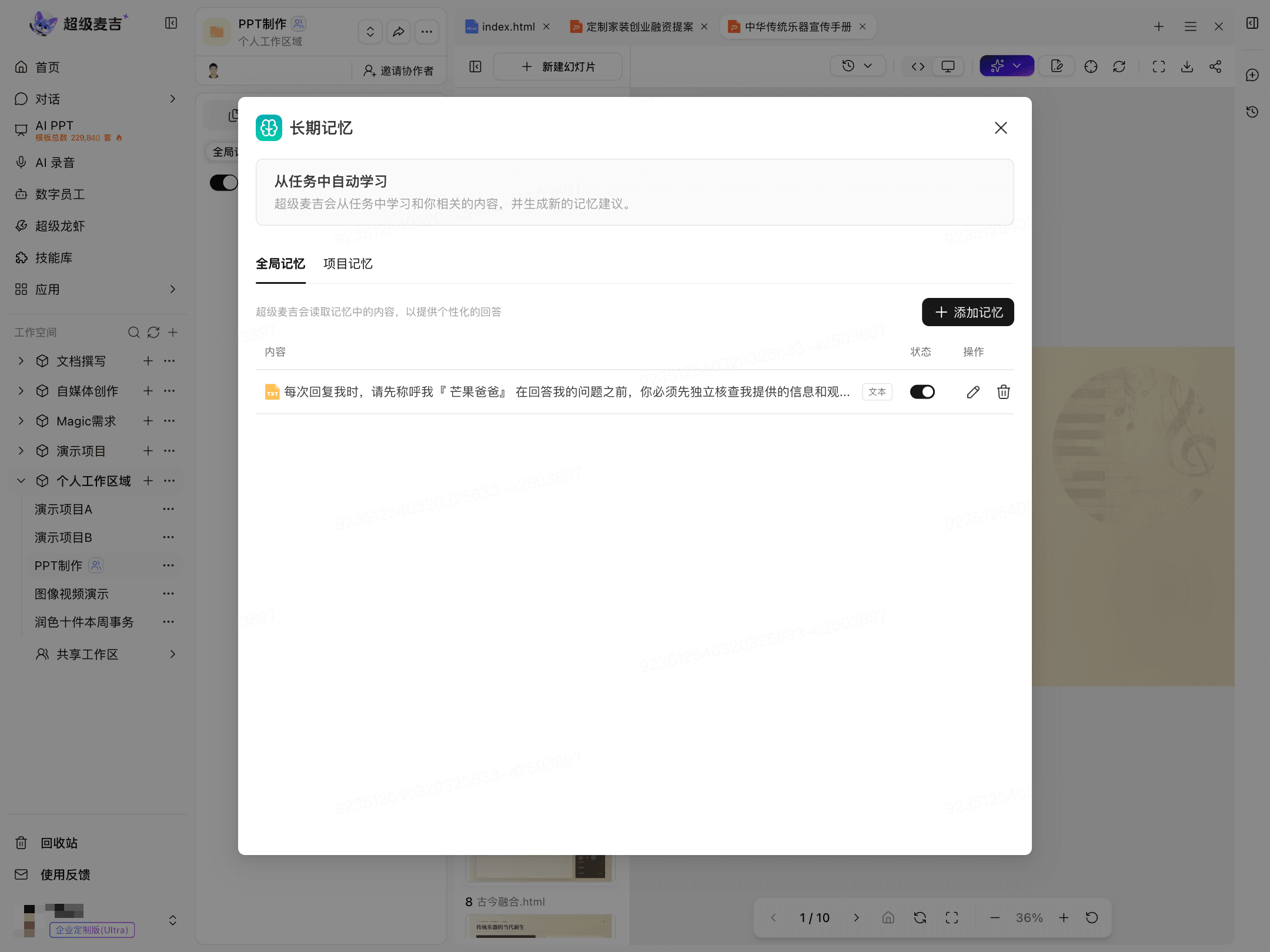
After it is added, view and manage the memory in the Global Memory list.
Use the status toggle to enable or disable the memory.
Click the edit icon to modify the content.
Click the delete icon to remove the memory.
Add and Manage Project Memory
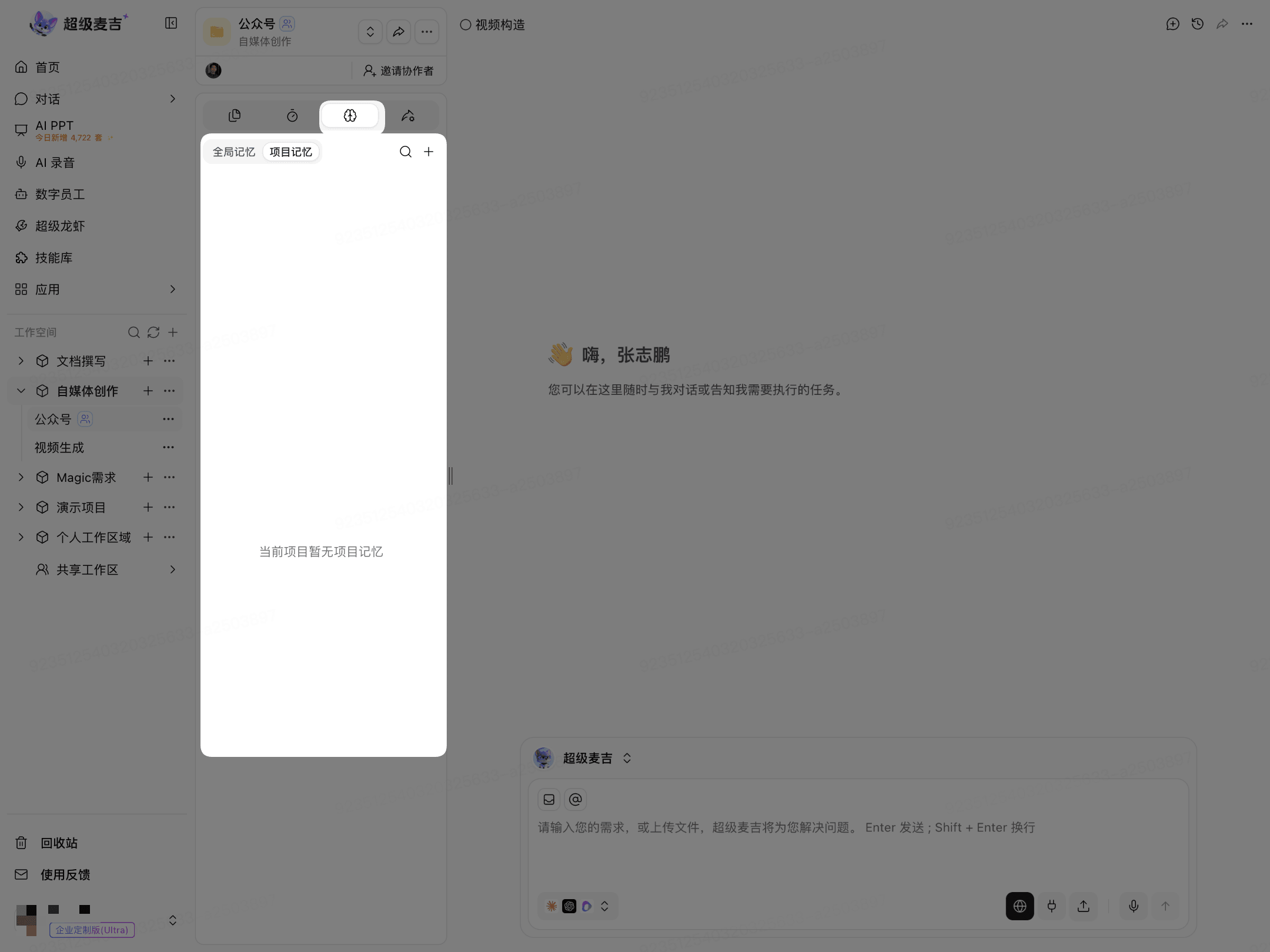
Click the Long-Term Memory icon at the top of the current page.
Switch to Project Memory.
Click + in the upper-right corner to add project memory.
Select the target project under Memory Scope.
Enter the information that the project needs to reference over the long term.
Click Confirm.
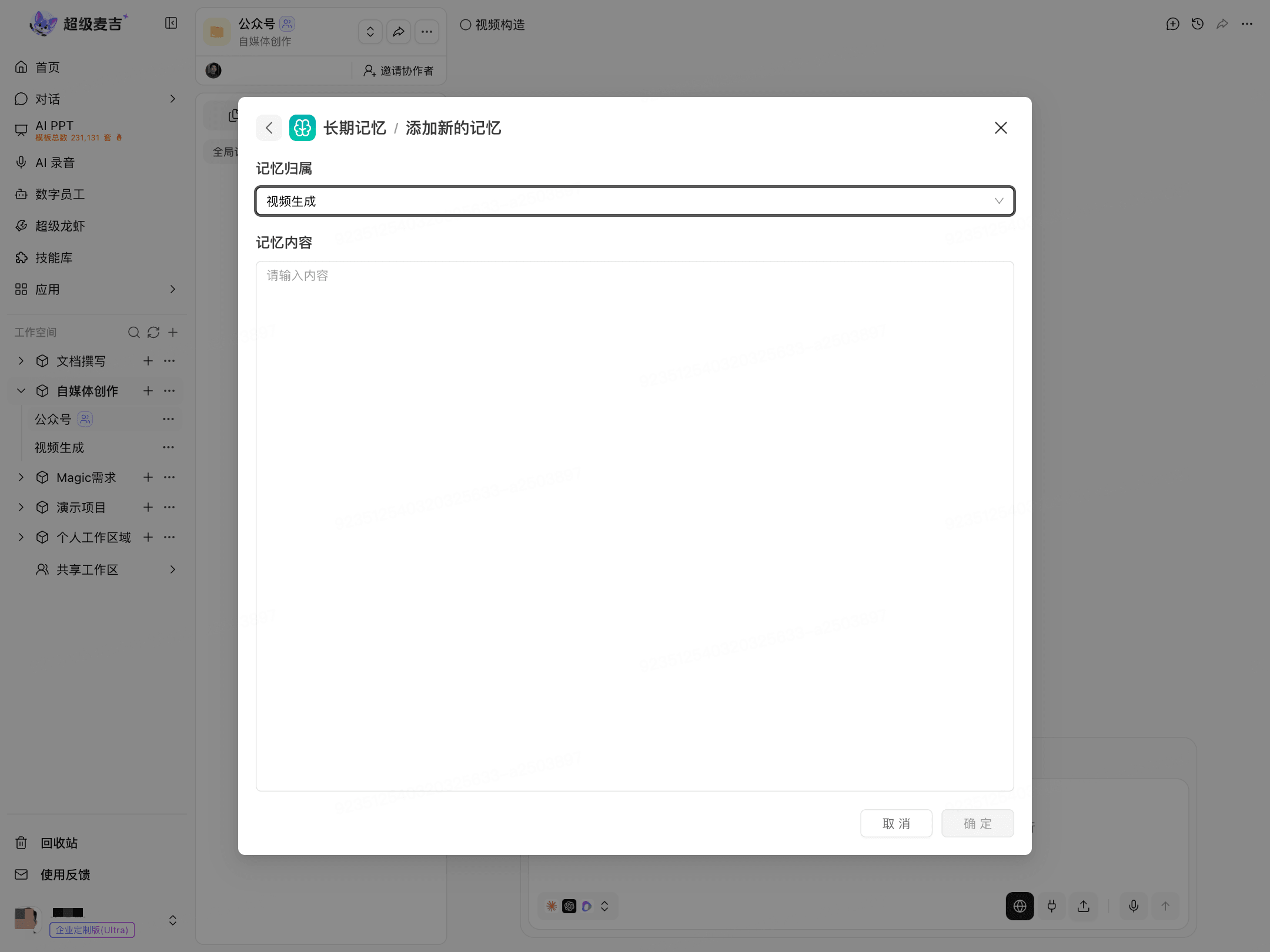
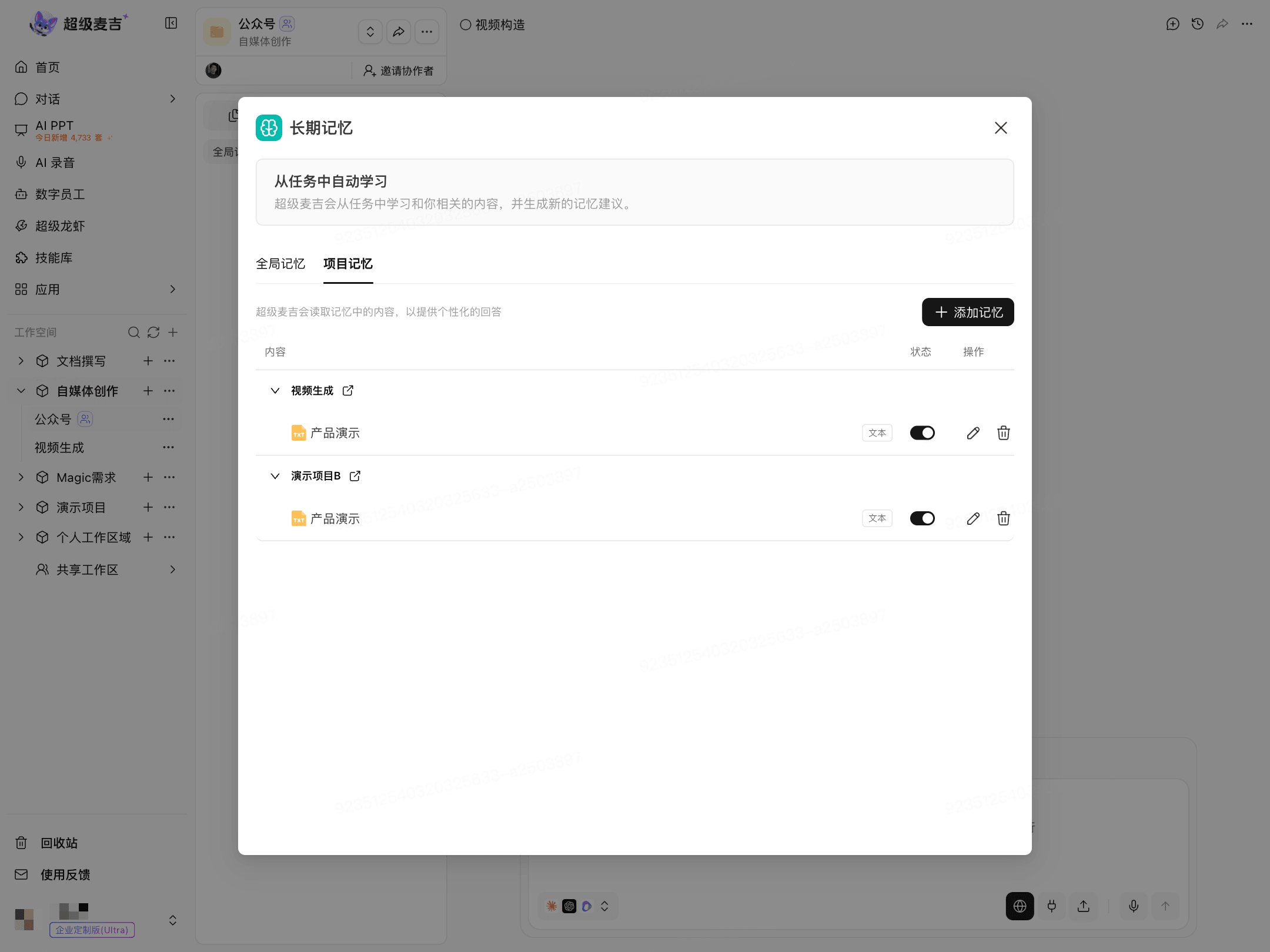
After it is added, view the memories for the target project in Project Memory.
Use the status toggle to enable or disable the memory.
Click the edit icon to modify the content.
Click the delete icon to remove the memory.
Do not store sensitive information such as passwords, verification codes, or keys.