Manage Project Topics
Create, find, rename, and delete topics in a project.
Updated: 2026-09-02View LLM Markdown
Create, find, rename, and delete topics in a project.
Create a Topic
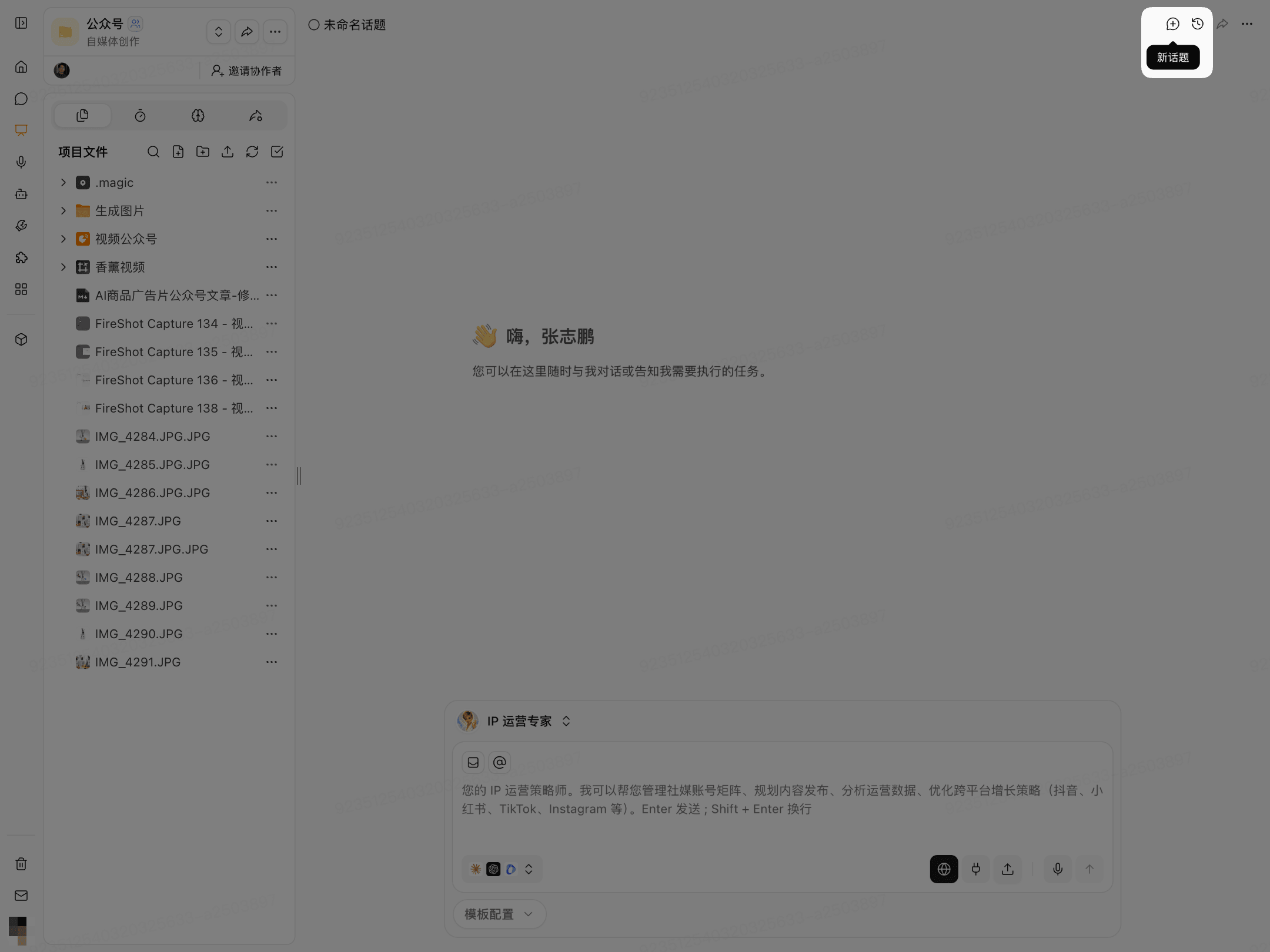
After entering a project, click New Topic in the upper-right corner to start a new conversation.
You can also select Create New Topic from the topic list.
Find and Switch Topics
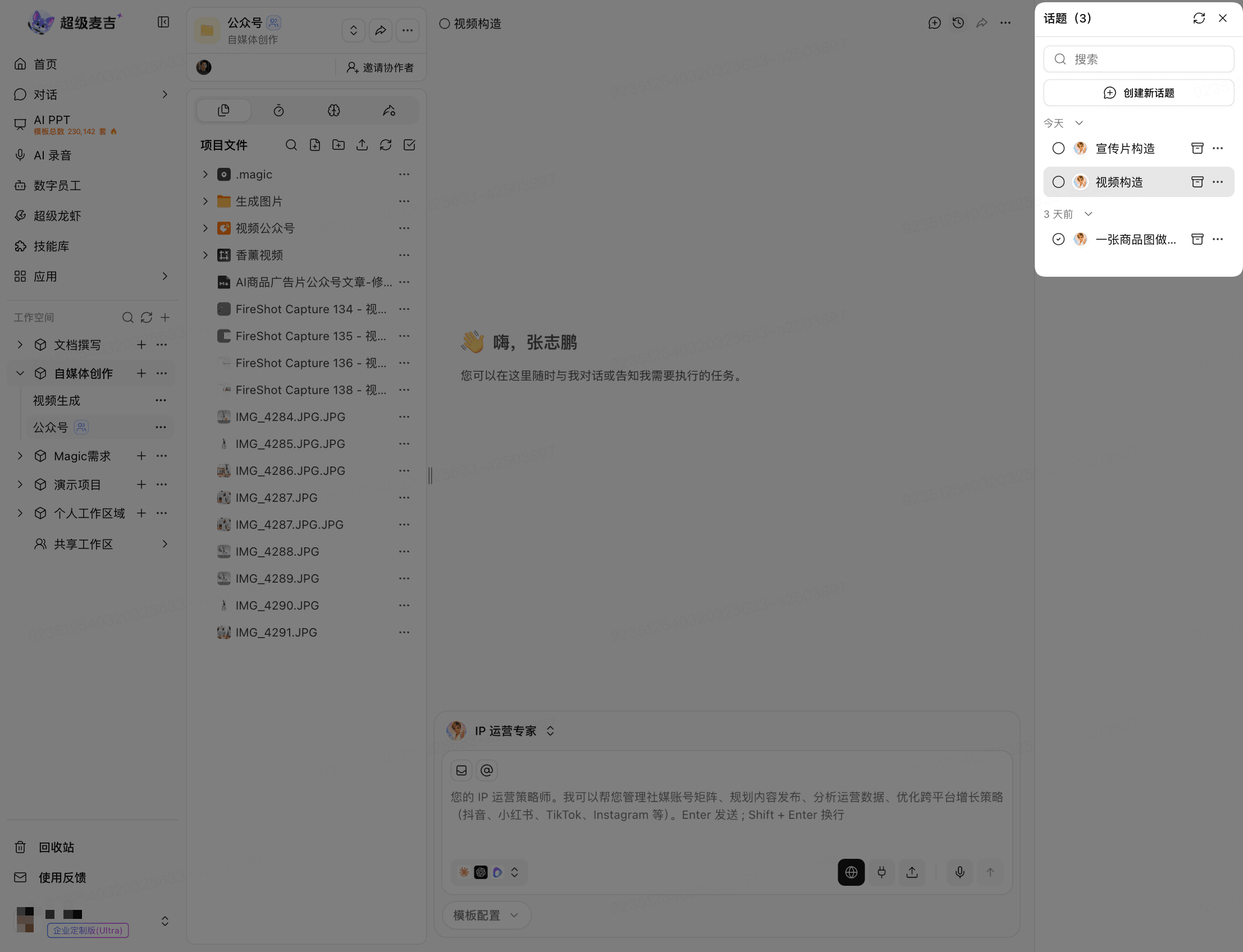
Click Other Topics in the upper-right corner.
Search for the name in the topic list.
Click the target topic.
Rename a Topic
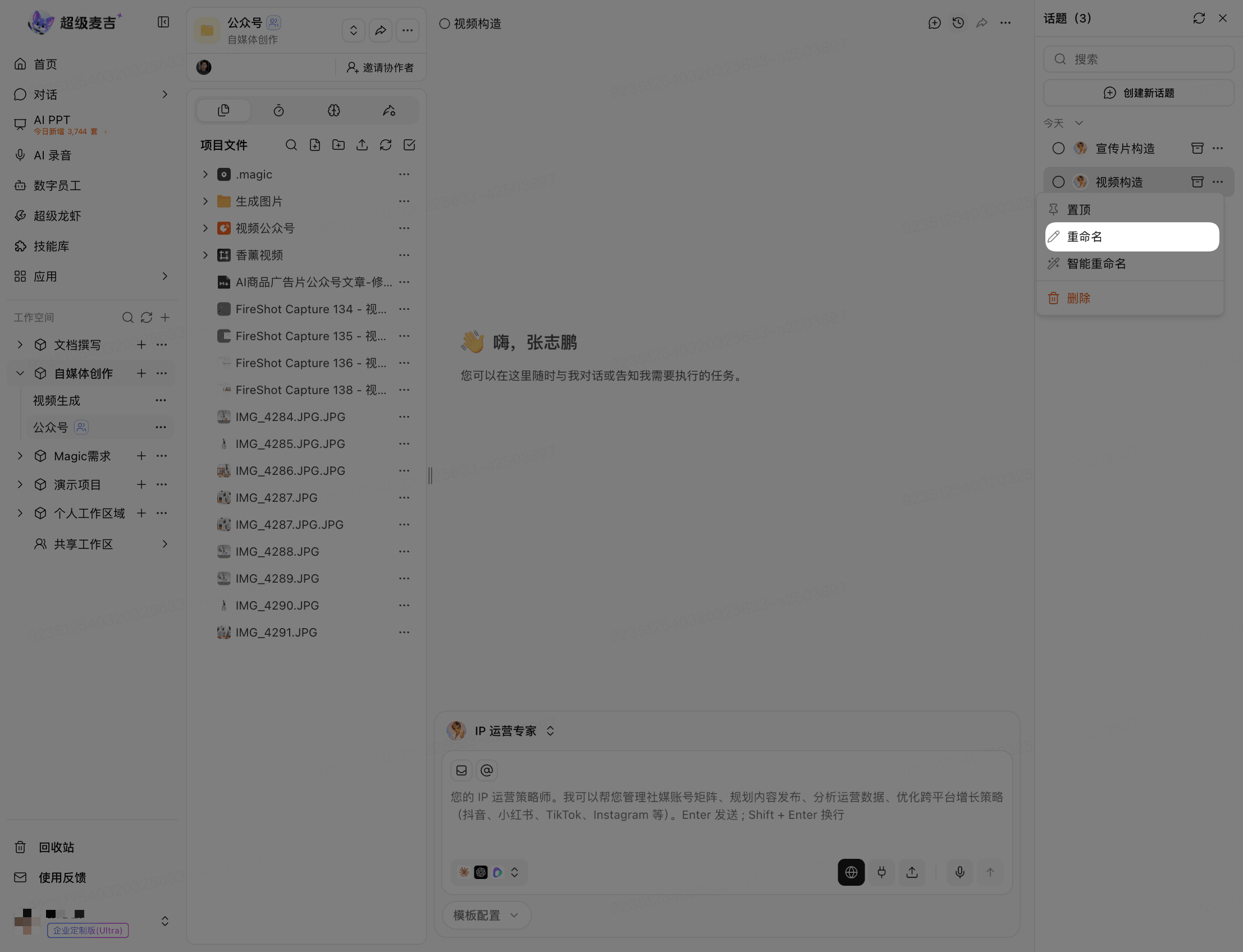
Open the topic's More (…) menu.
Select Rename and enter a name manually, or select Smart Rename.
Save as prompted on the page.
Delete a Topic
Open the topic's More (…) menu.
Click Delete.
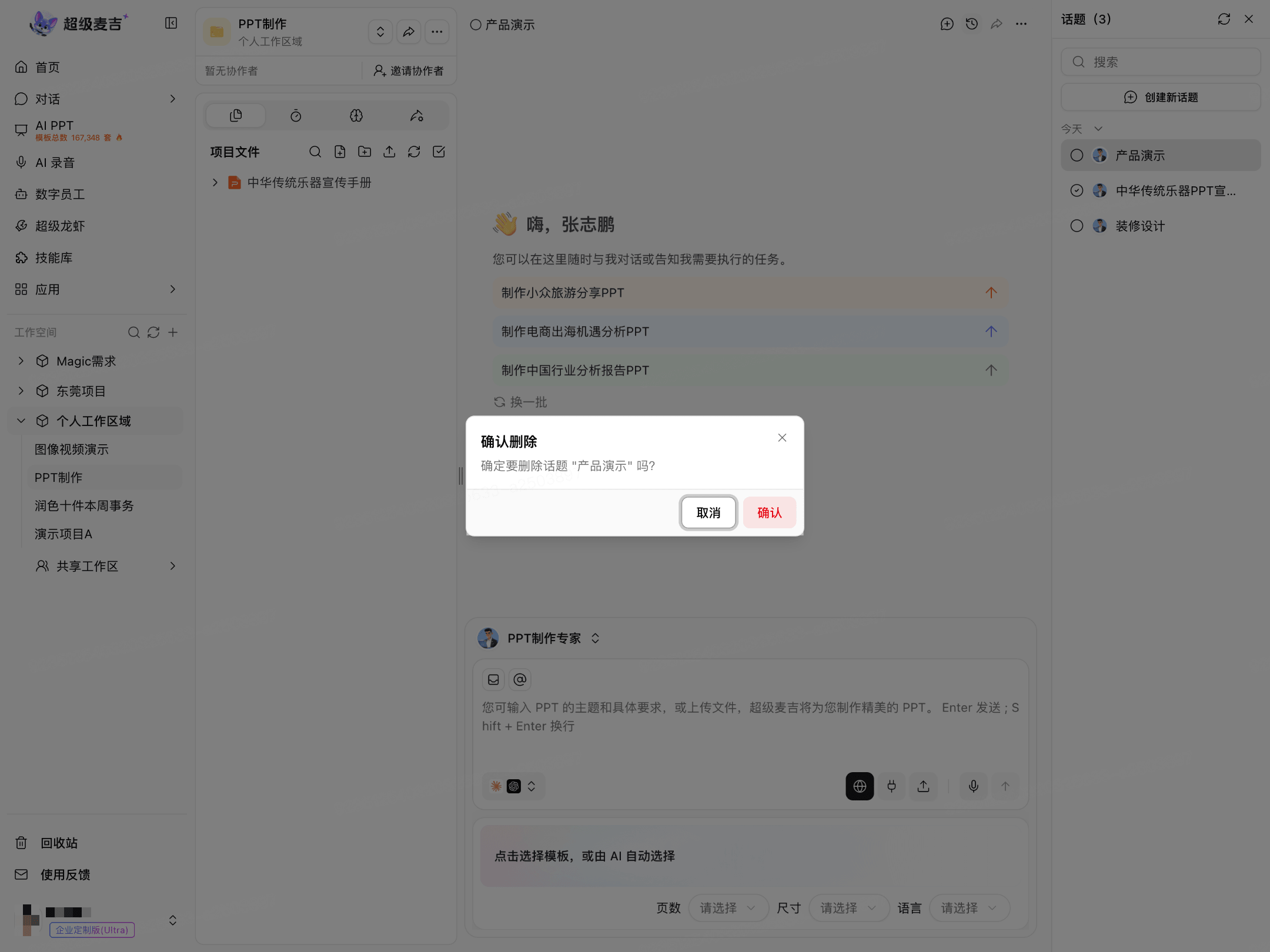
Click Confirm in the confirmation window.