Quickly Understand Workspaces and Projects
Workspaces are used to organize projects, while projects are used to carry out specific work. When using SuperMagic, select a workspace first, then open a project.
Workspaces are used to organize projects, while projects are used to carry out specific work. When using SuperMagic, select a workspace first, then open a project.
What Are Workspaces and Projects
Workspaces are used to contain projects, while projects are used to support specific work.
Location | Main contents |
|---|---|
Workspace | Contains one or more projects |
Project | Carry out specific tasks and manage files, topics, and collaboration |
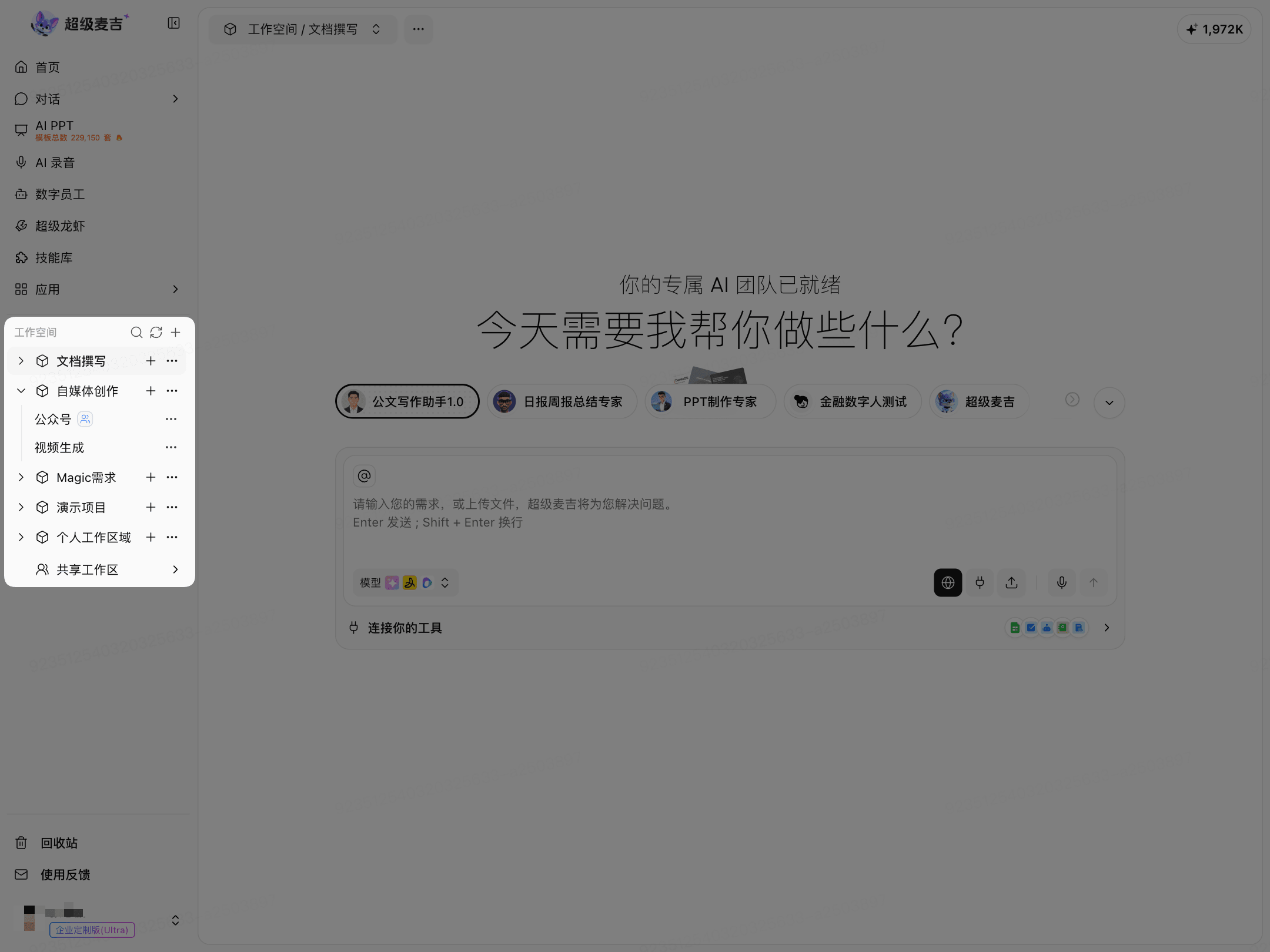
Workspaces are displayed first on the left. Expand a workspace to view the projects it contains.
Distinguish Between Personal and Shared Workspaces
What you want to do | Where to go |
|---|---|
Create or manage your own projects | Personal workspace |
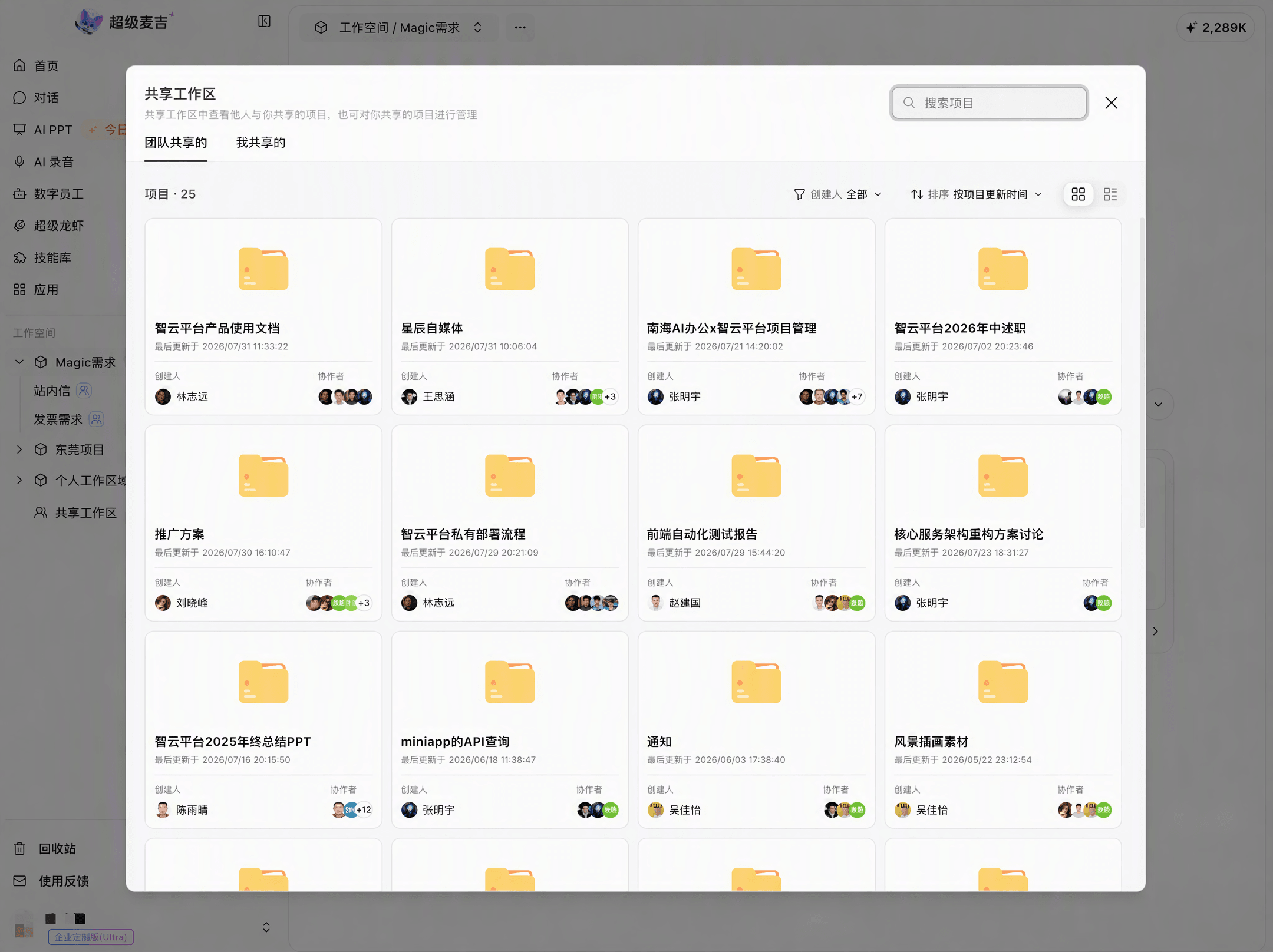
View projects shared by your team or others | Shared workspace > Shared with the team |
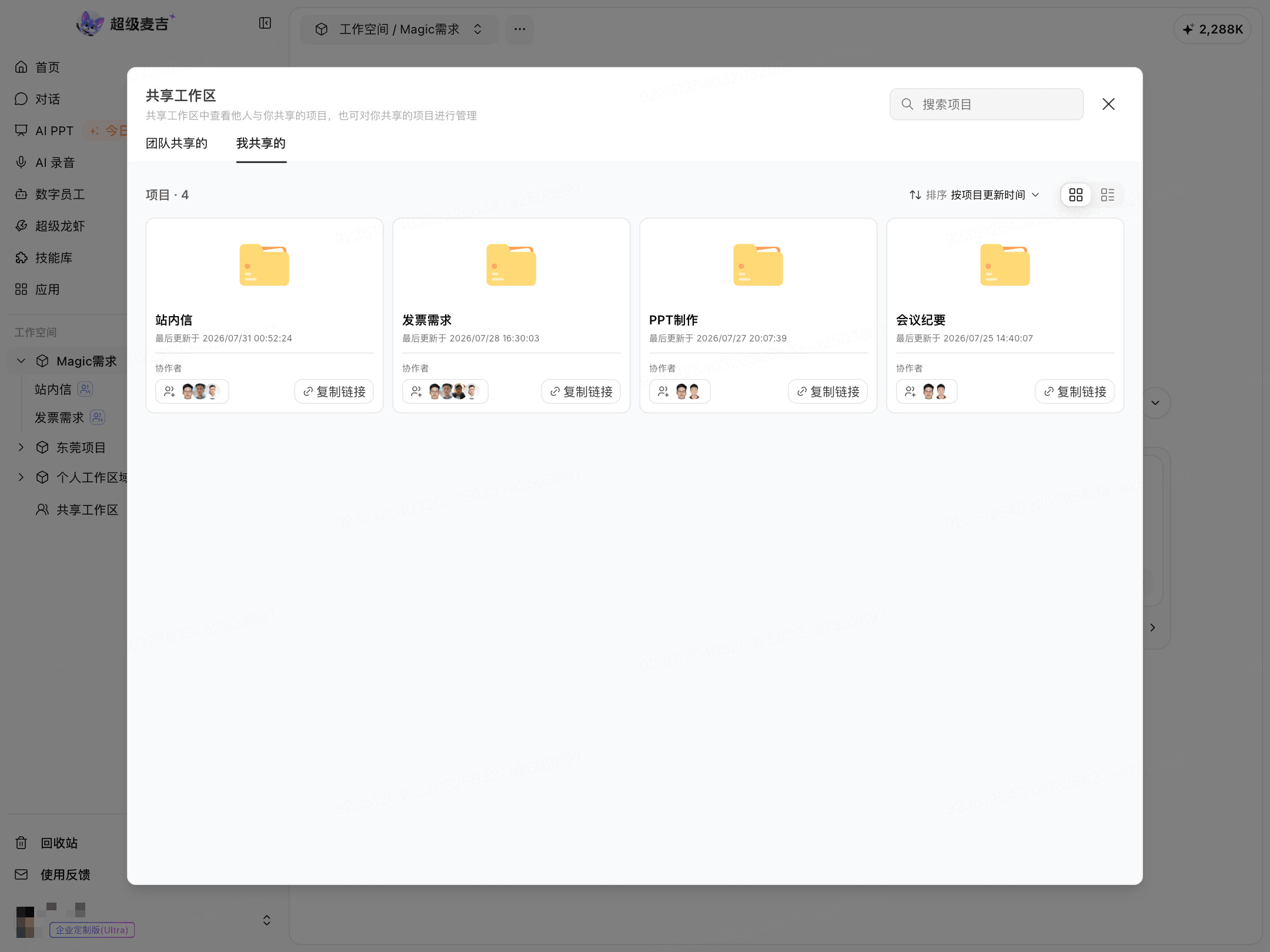
View and manage projects you shared with others | Shared workspace > Shared by me |
Personal Workspace
The personal workspace is used to store and manage projects you create.
When you need to use a project with others, enable team collaboration or share the project within the project.
Shared Workspace
The shared workspace is not a new project type. It is an entry point for viewing shared projects in one place.
Shared with the team: Projects shared with you by other members or teams.
Shared by me: Projects you shared with other members.
Project cards display the creator, collaborators, and update time. Some projects can be copied directly using a link.