
Share Projects and Topics
Generate share links for projects, topics, or files, and control their access scope.
Generate share links for projects, topics, or files, and control their access scope.
Share a Topic
Open the target topic.
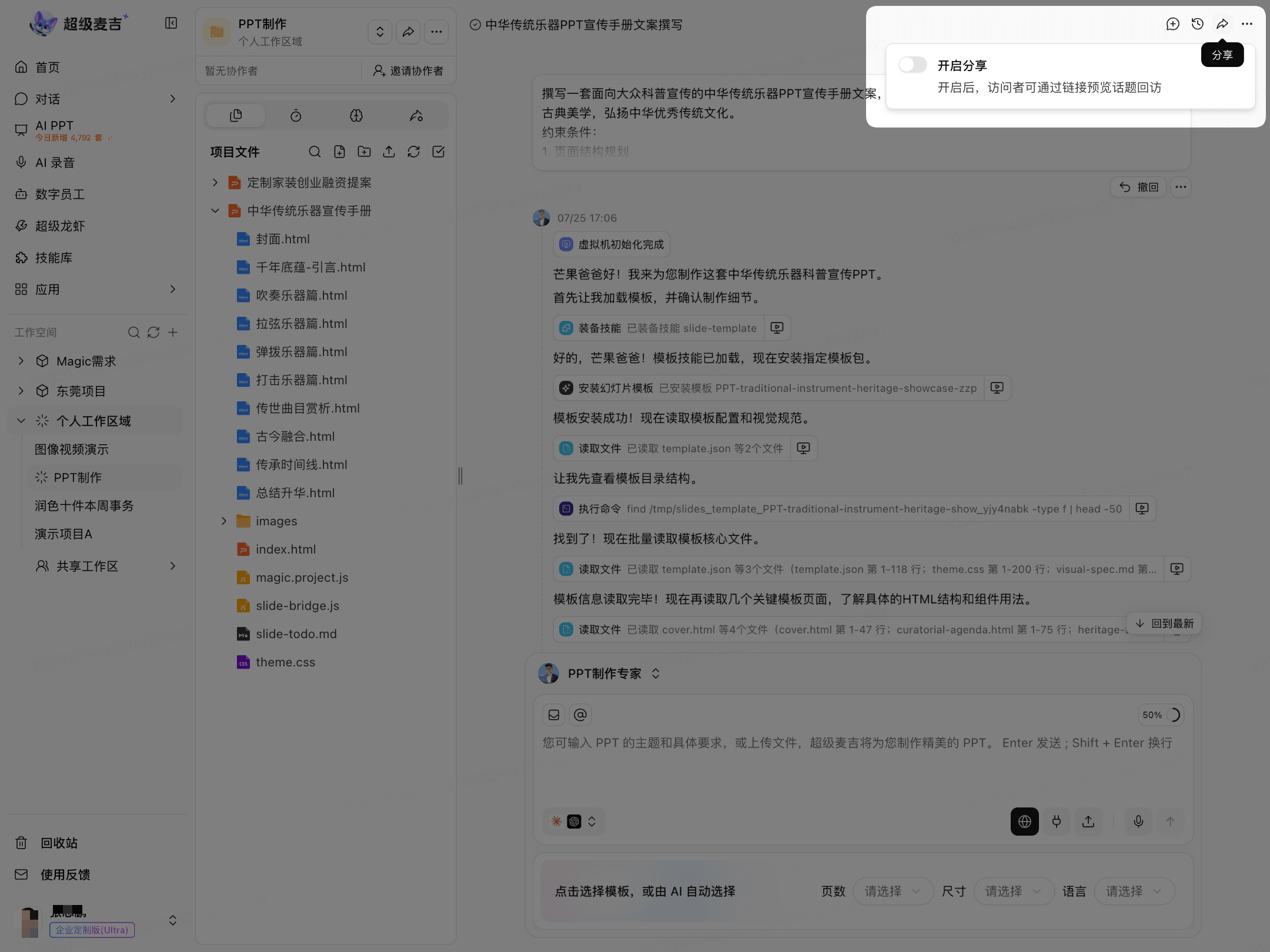
Click Share in the upper-right corner.
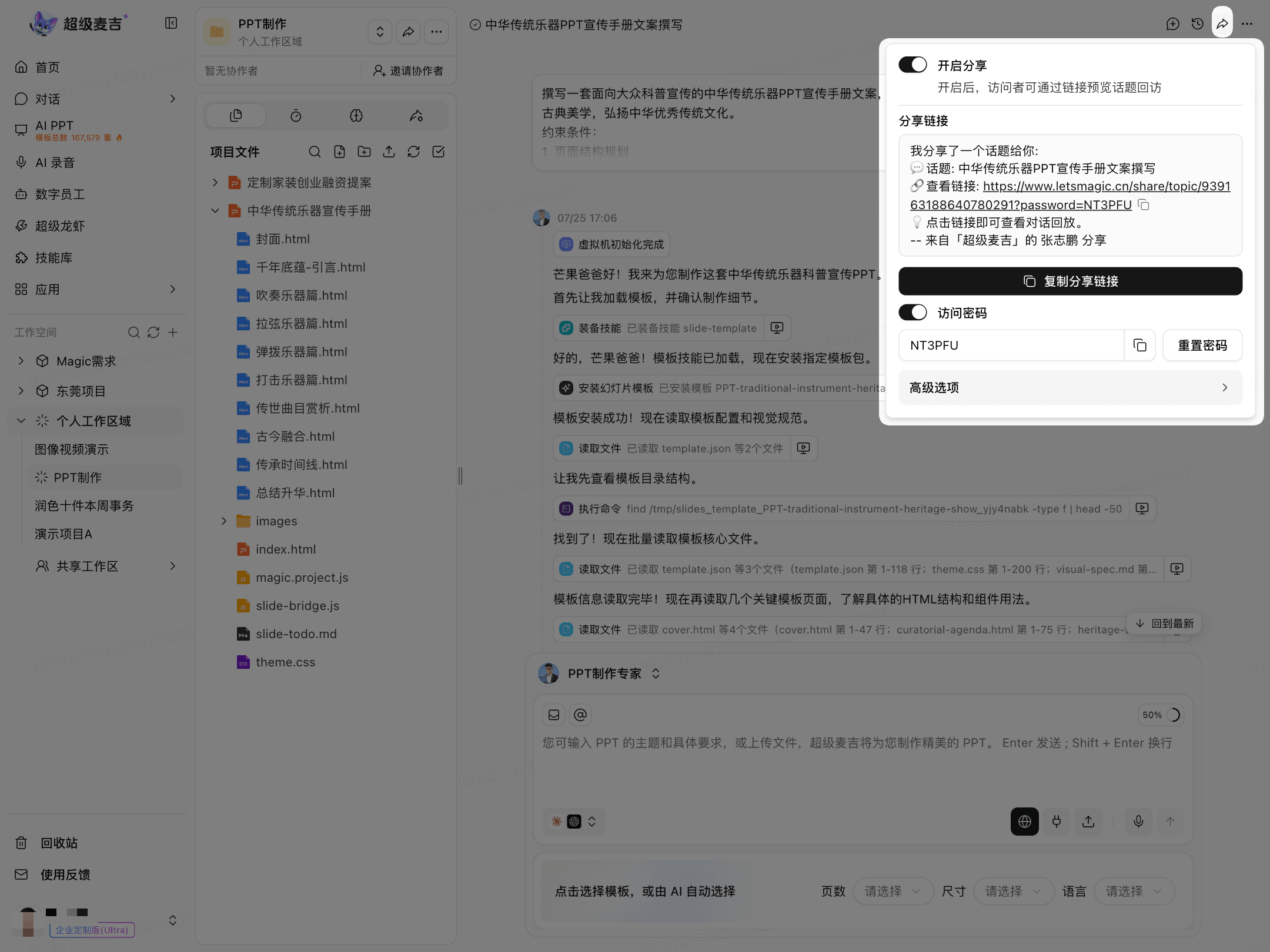
Turn on Share.
Click Copy Share Link.
If you enable an access password, provide the password to the visitor along with the link.
Share a Project or File
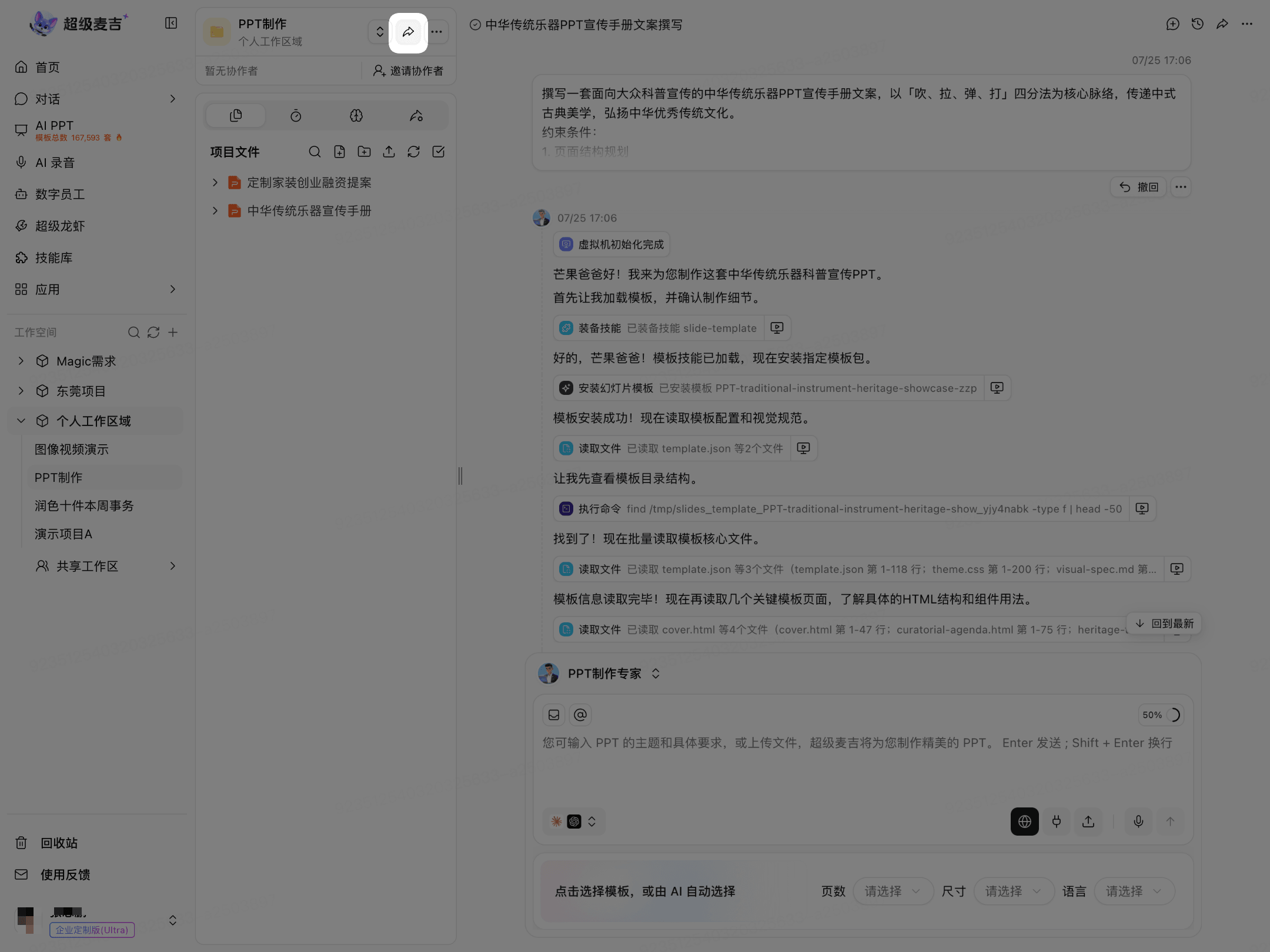
Share a Project
Click Share in the project menu.
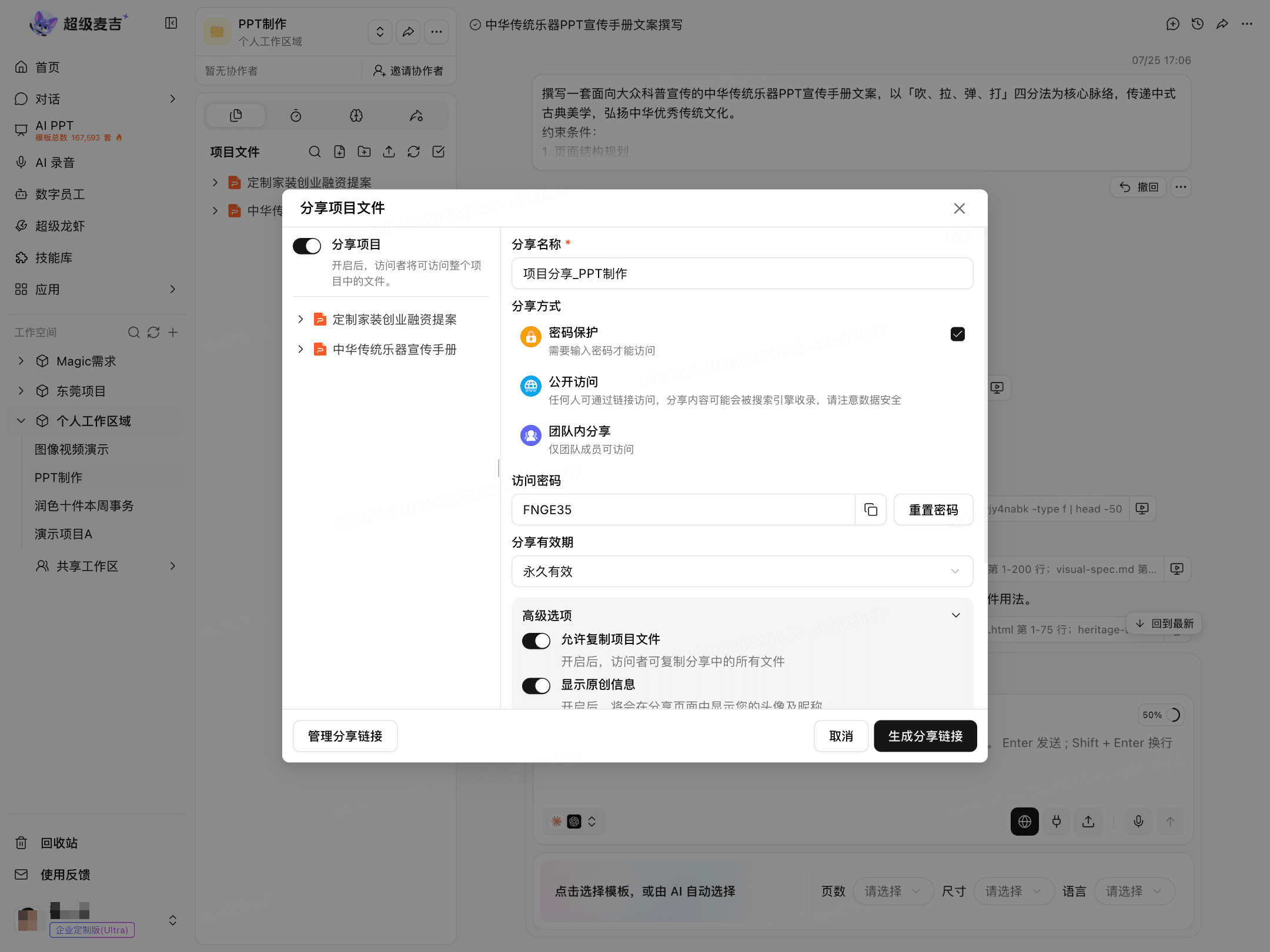
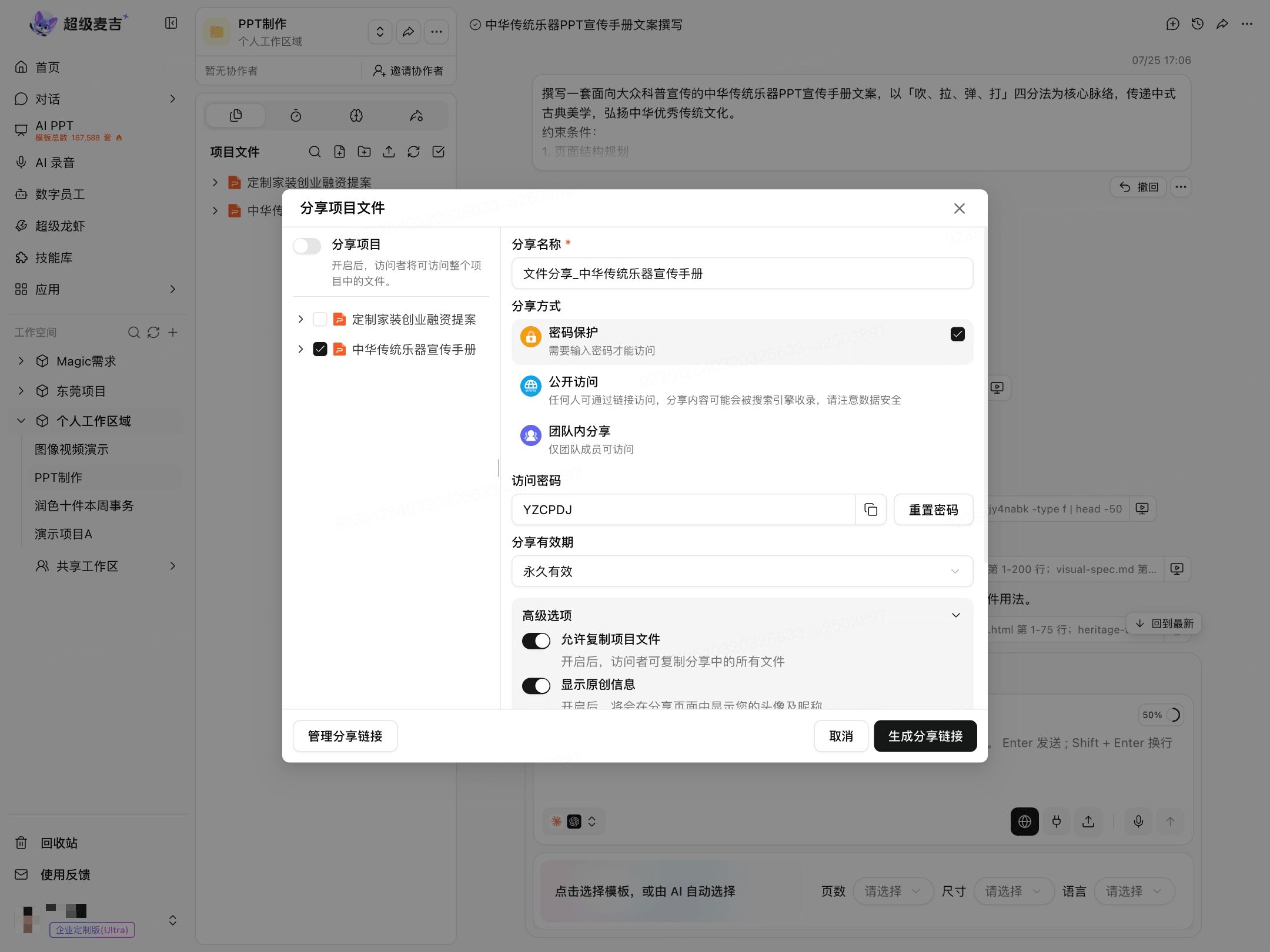
Turn on Share Project.
Enter a sharing name.
Set the access method and expiration period.
Configure advanced options as needed.
Click Generate Share Link.
Share a File
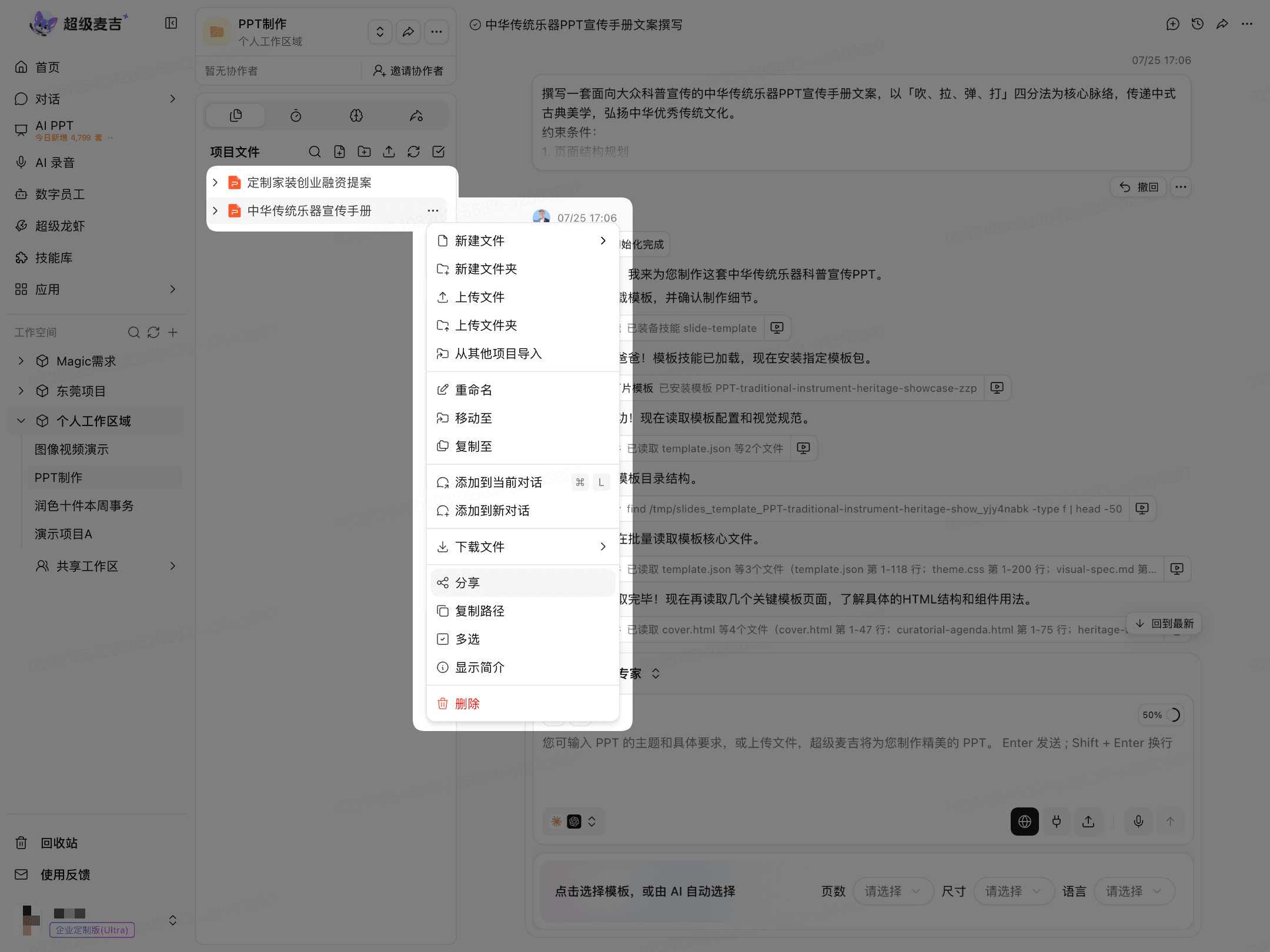
Find the target file in the project file list.
Click More (…) to the right of the file.
Select Share.
Select the files you want to share.
After setting the sharing method, click Generate Share Link.
Set the Access Method
When sharing a project or file, you can choose from the methods provided on the page:
Password Protected: Visitors must enter the password before they can view the content.
Public Access: Anyone with the link can access the content.
Share Within the Team: Only team members can access the content.
If the page provides the relevant options, you can also set the sharing expiration period and choose whether to allow project files to be copied, downloaded, or exported.
Use the options displayed on the current page as the source of truth.
Access Shared Content
Open the share link.
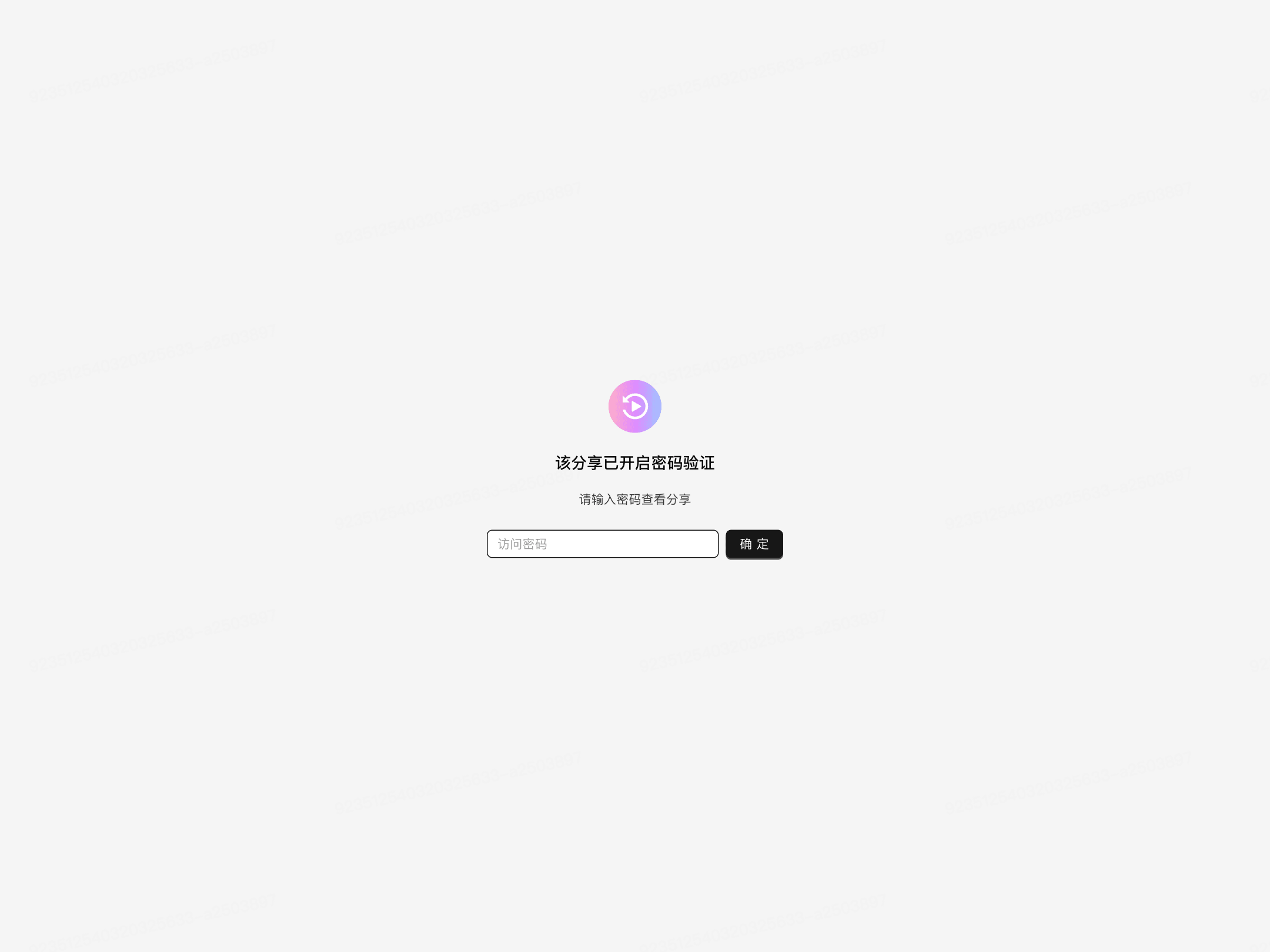
If the page requires verification, enter the access password and click OK.
View the tasks, topics, files, or deliverables made available by the sharer.
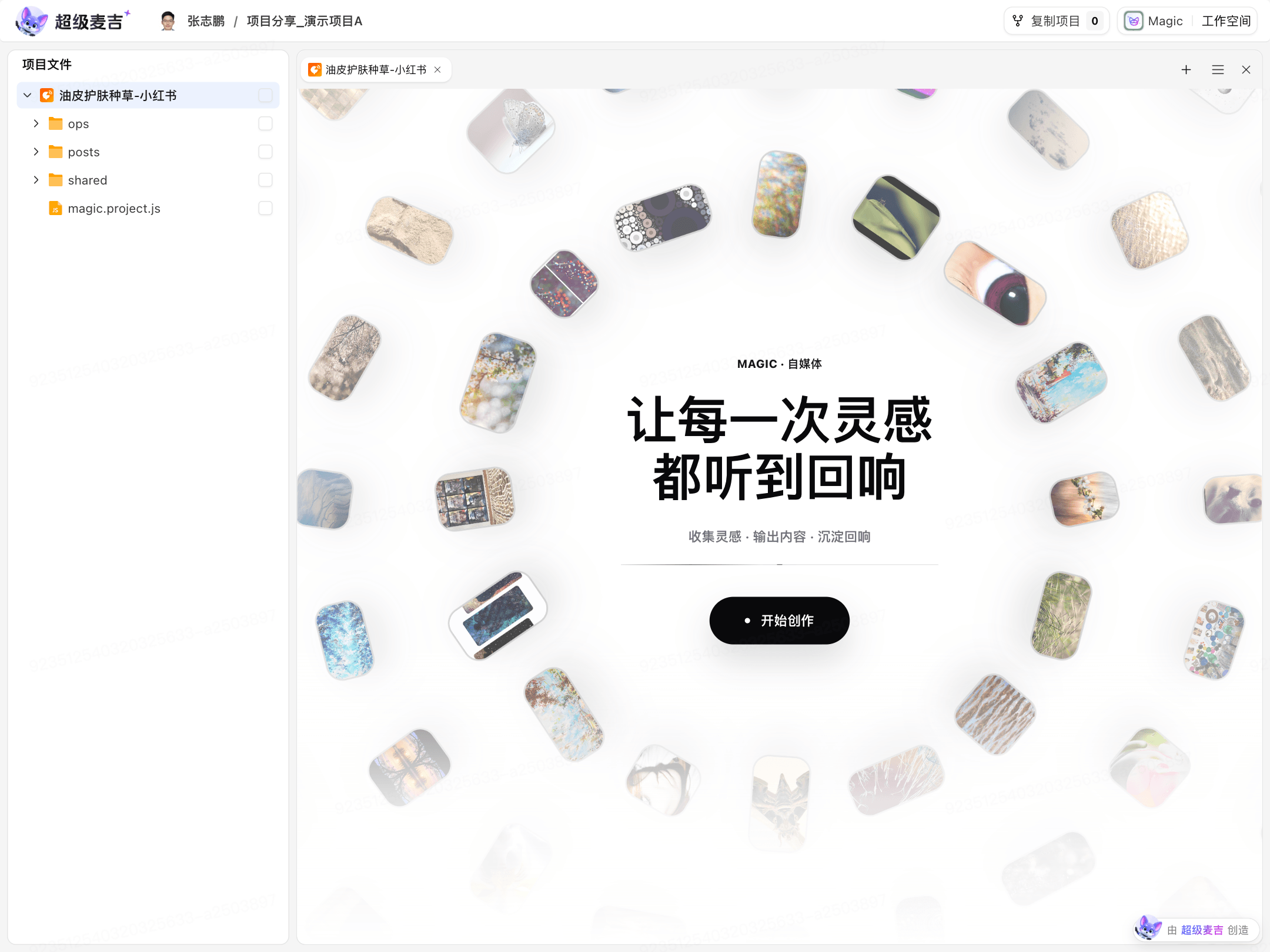
For shared projects, you can expand the file tree on the left. On deliverable pages, use the preview, open, or download options displayed on the page.
Copy a Shared Project
Copy Project is displayed only when the sharer enables copying permissions.
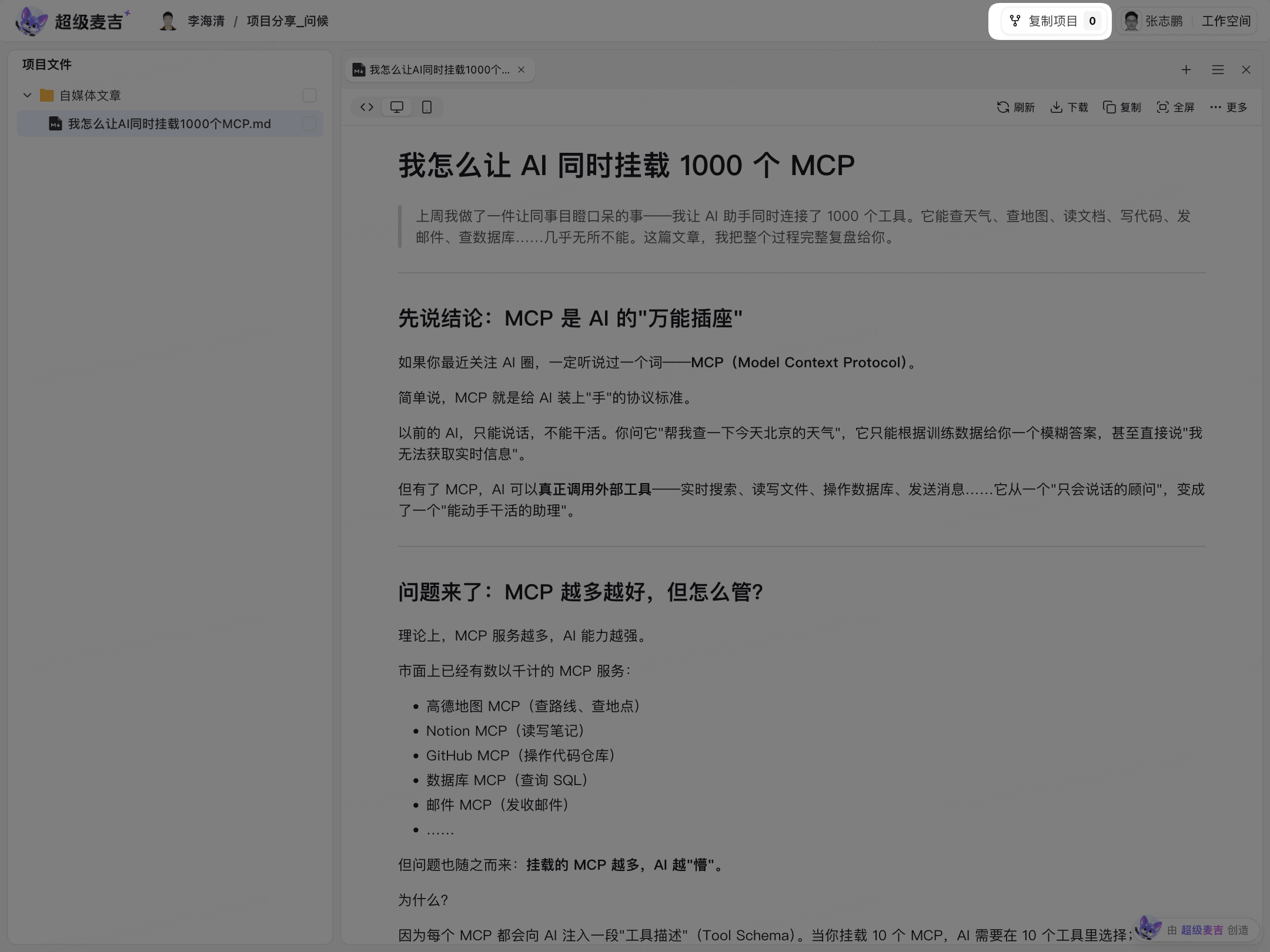
Open the shared project.
Click Copy Project.
Enter a new project name.
Select your target workspace.
Click OK.
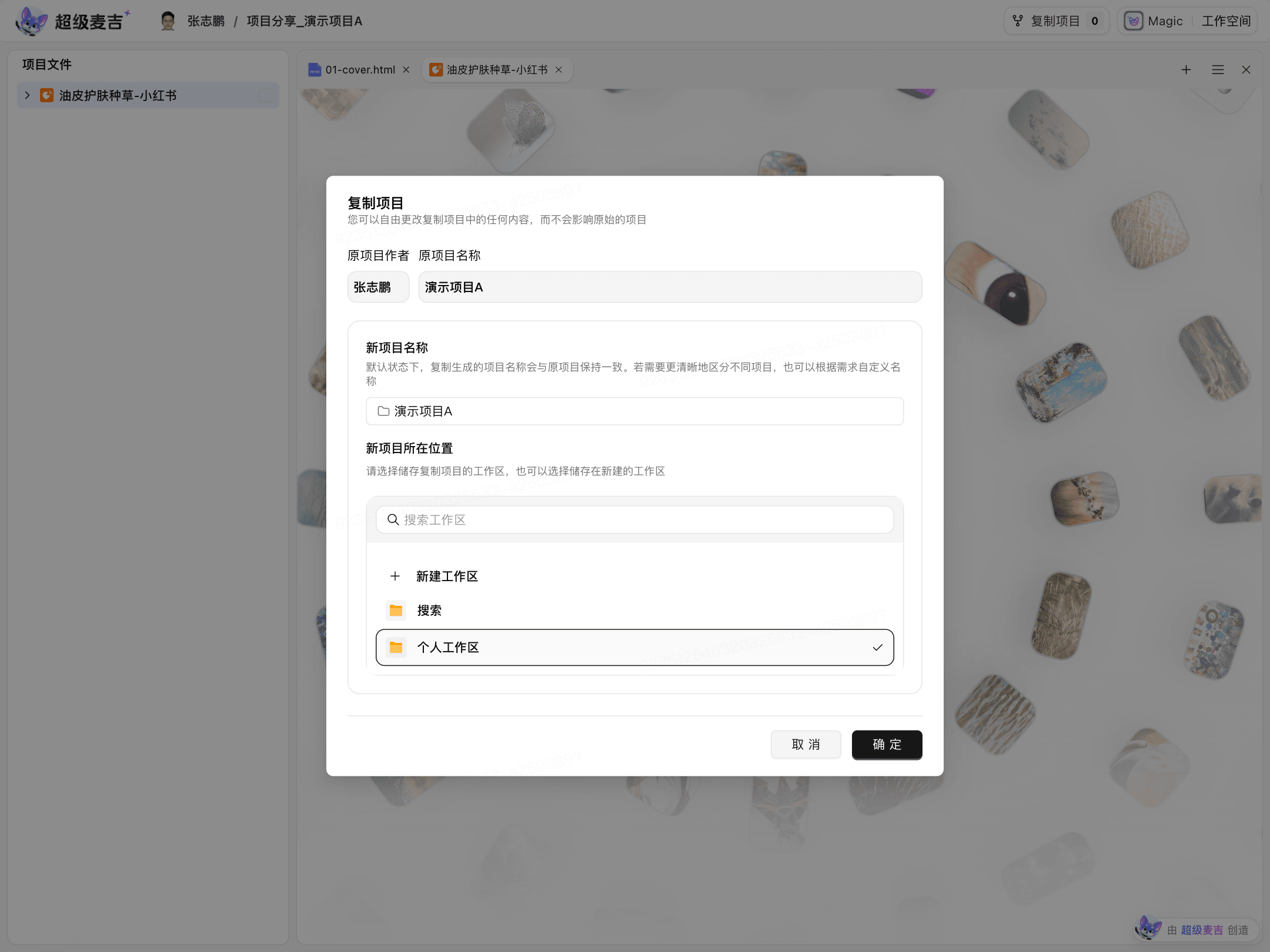
The copied project can be modified independently without affecting the original project.