Manage My Workspaces
Create, switch between, rename, or delete workspaces in **Workspaces** on the left.
Updated: 2026-09-02View LLM Markdown
Create, switch between, rename, or delete workspaces in Workspaces on the left.
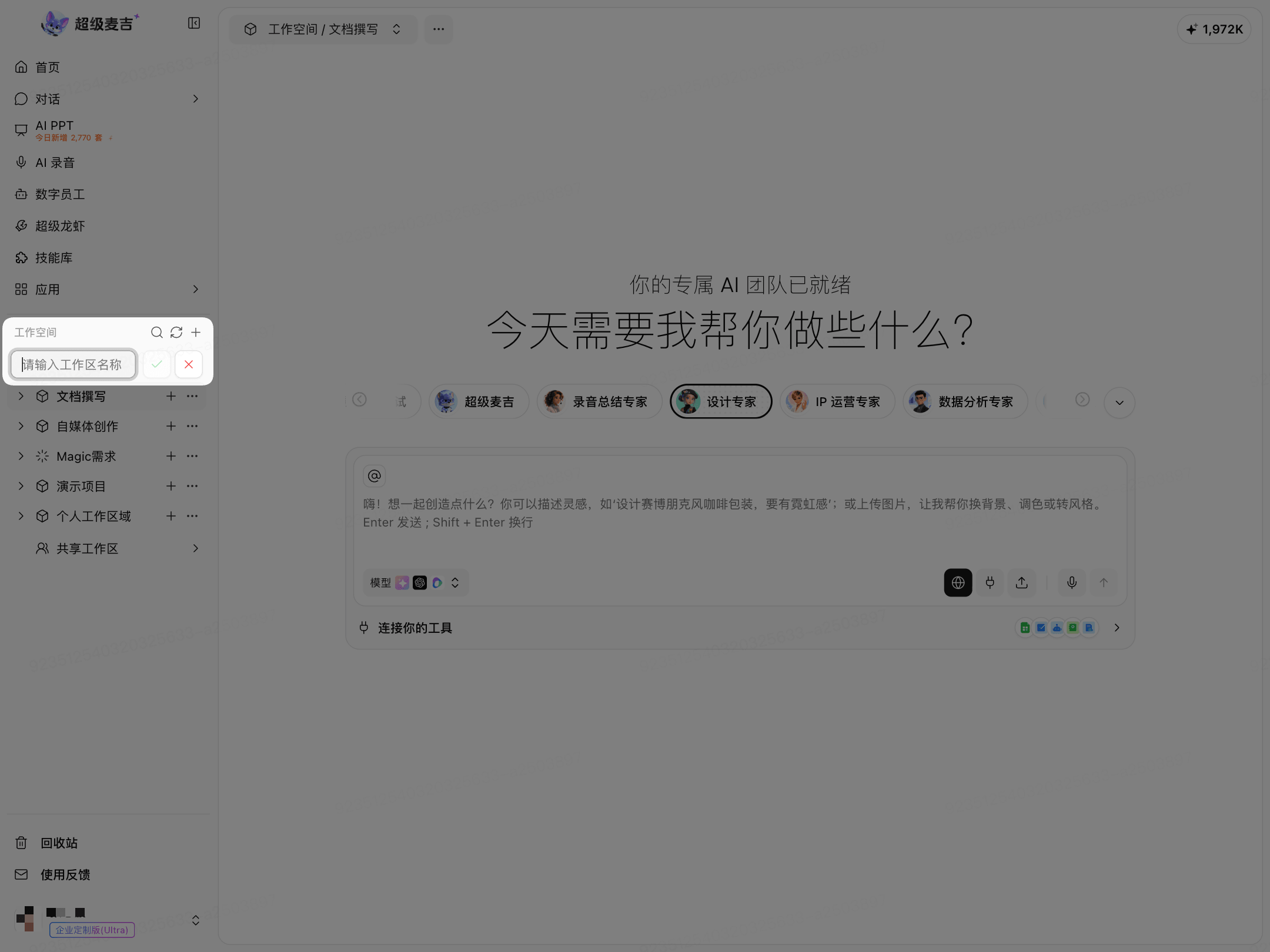
Create a Workspace
Click Add(+) to the right of Workspaces.
Enter a workspace name.
Click Confirm(✓).
The new workspace will appear in the list on the left.
Switch Workspaces
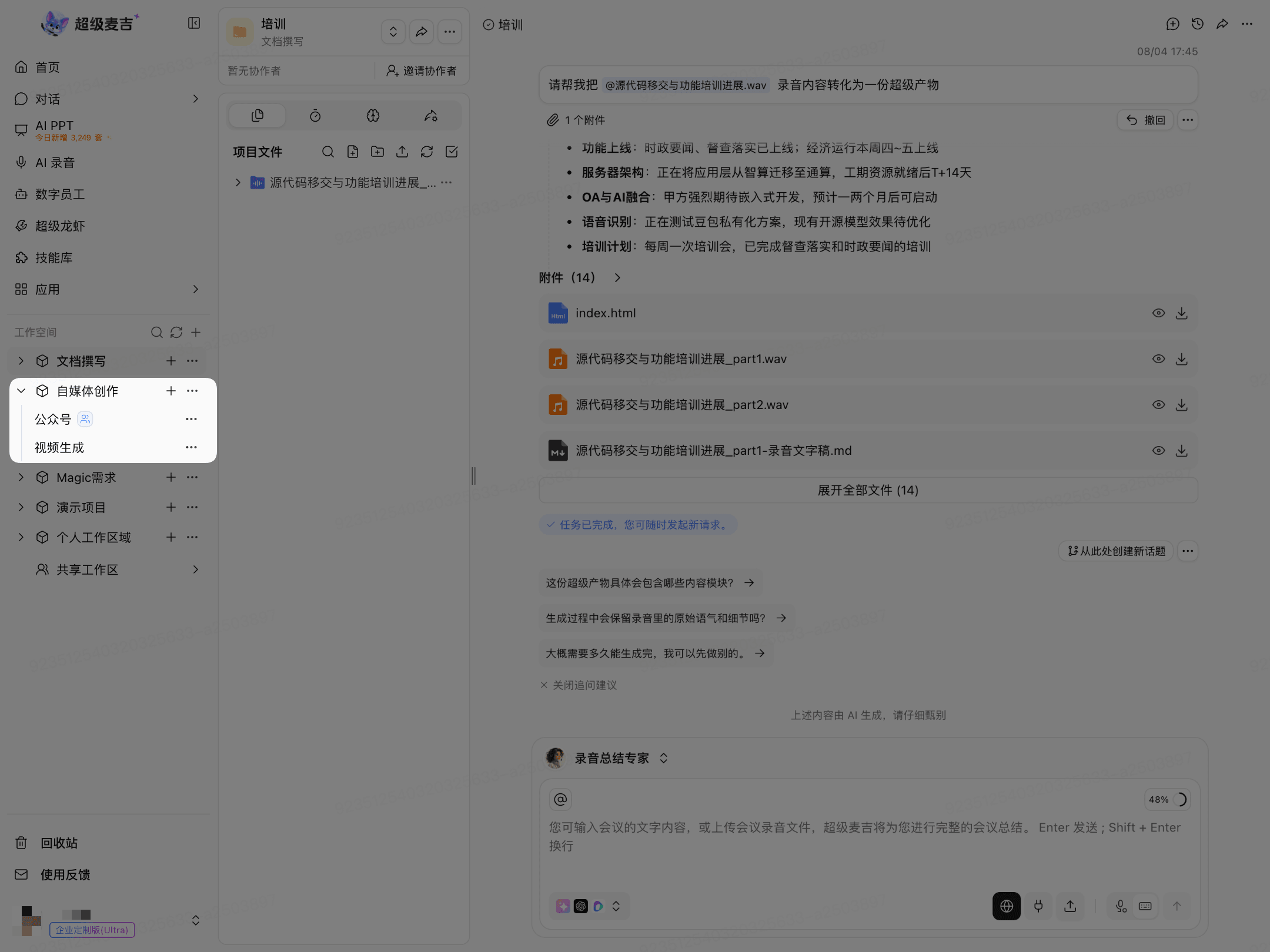
In the list on the left, click the name of the workspace you want to enter.
After expanding a workspace, you can view the projects in it.
Rename a Workspace
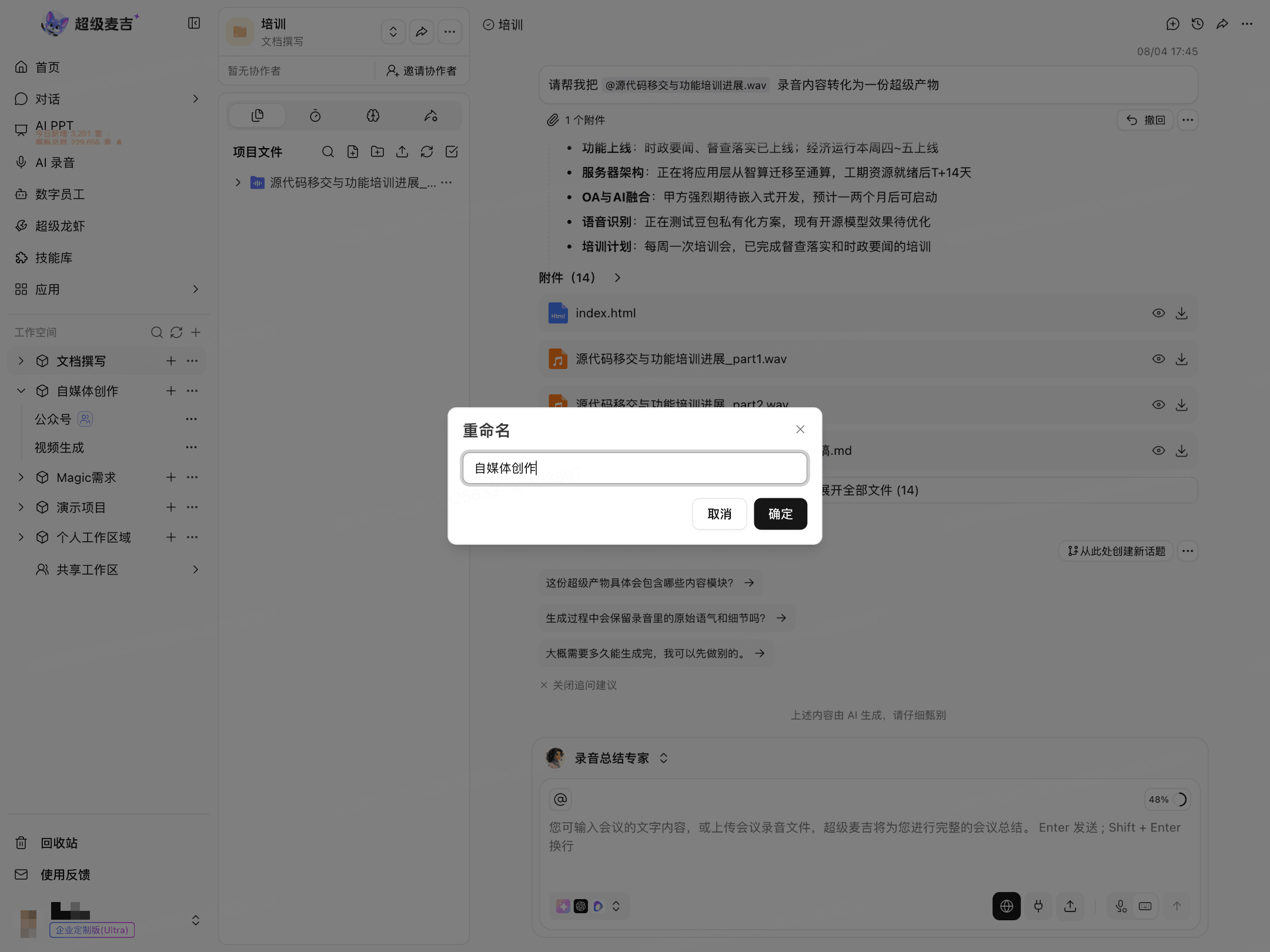
Click More(…) to the right of the workspace.
Select Rename.
Enter a new name.
Click OK.
Delete a Workspace
Click More(…) to the right of the workspace.
Select Delete.
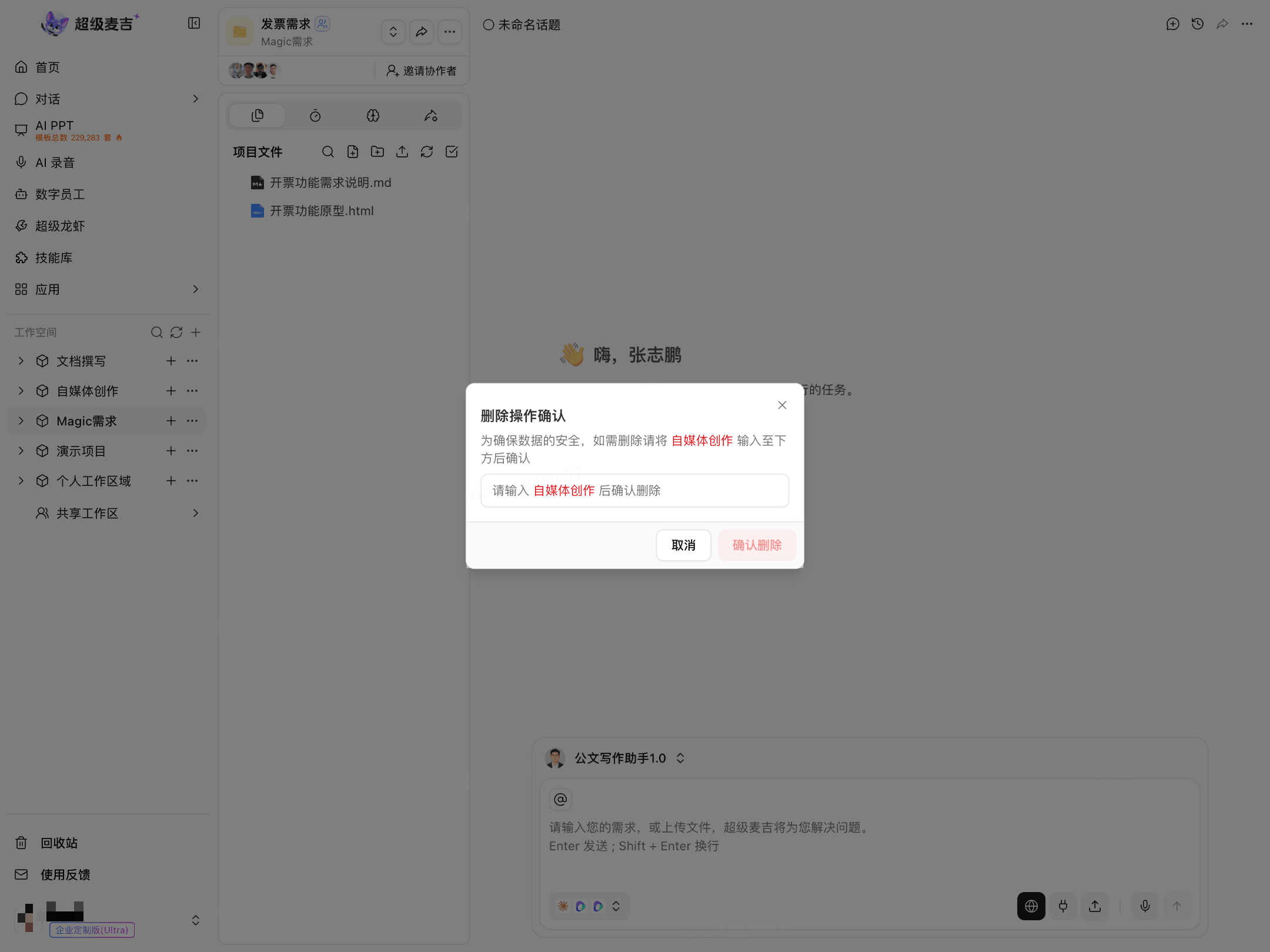
Enter the workspace's full name as prompted.
Click Confirm Deletion.
Before deleting, make sure you no longer need the workspace or any of its projects.